Conduit
Finds line work in a texture and flows a gradient along it, as traced streaks, local tangents, or a fixed linear, radial, or polar direction.
The Conduit node treats bright lines in its input as channels and runs an animated gradient down them. It builds an image from line work rather than grading one, which is why it sits in the Texture family.
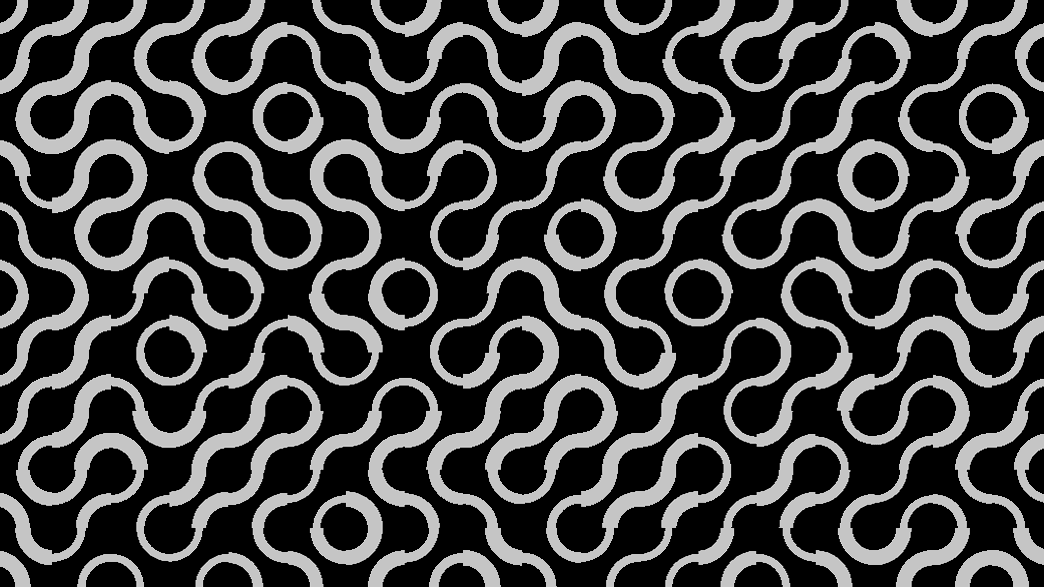
- Six Flow Mode options, from a full geodesic Trace to a plain Linear sweep
- The same multi-stop gradient editor as Gradient Colorizer
- Found in the node graph under Texture
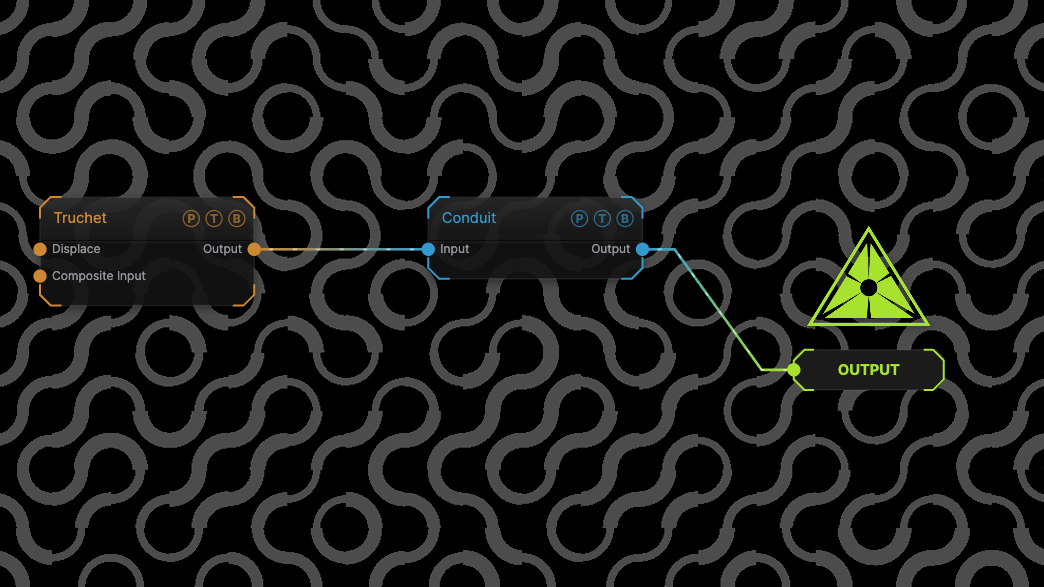
The image on the right is the example patch itself. Drag and drop it onto the app, or load it with File → Load, to open the full graph. A Truchet pattern is traced in Trace mode.
Inputs and outputs
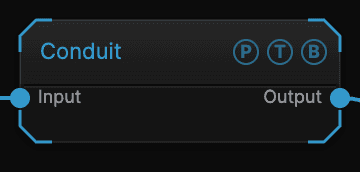
| Port | Type | Purpose |
|---|---|---|
| Input | Texture | The line work. In Vector mode this must be a Vectorizer or Load SVG output; every other mode takes an ordinary image. |
| Output | Texture | The lines, coloured by the gradient. |
Parameters
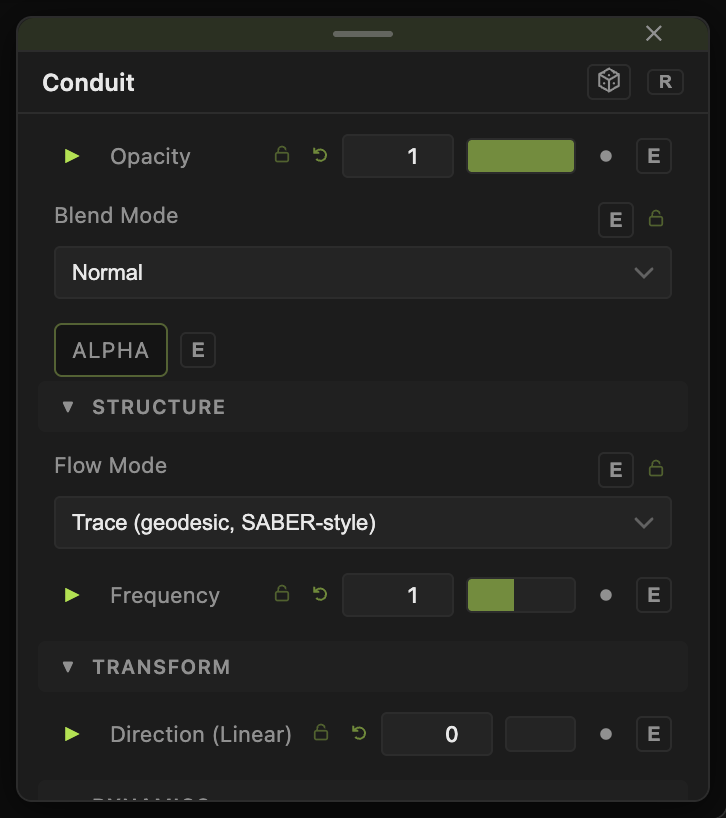
Opacity and Blend Mode are the standard header.
- Flow Mode — Vector (needs Vectorizer input) follows the vector paths. Trace (geodesic) walks along the lines from their endpoints and draws streaks. Tangent (local, fast) uses the local line direction. Linear, Radial, and Polar sweep the gradient in a fixed pattern.
- Direction (Linear) (−180 to 180, default 0) — the sweep angle for Linear mode.
- Flow Speed (−5 to 5, default 0.2) — how fast the gradient travels. Negative reverses it.
- Frequency (0.1–20, default 1) — how many gradient cycles fit along the flow.
- Line Threshold (0–1, default 0.25) — brightness above which a pixel counts as line.
- Edge Softness (default 0.05) — anti-aliasing of the line mask.
- Intensity (0–5, default 1).
Trace mode
- Wavelength (px) (8–2048, default 240) — length of one streak cycle.
- Trace Quality (8–512, default 192) — walk iterations; higher follows longer lines at more cost.
- Seed Mode — Endpoints only or Endpoints + image edges, where the streaks start.
- Trail Length (0.05–1, default 0.5) — the lit fraction of each cycle. 1 is a continuous gradient with no gaps.
- Reveal (0–1, default 1) — how much of each trace has been drawn; animate from 0 to draw the lines on.
Color
- Gradient (default on) — turns the gradient pass on. Off passes the input through.
- Gradient Width (0.1–10, default 1), Gradient Offset (−1 to 1, default 0), Interpolation (Linear, Smooth, Cosine, Stepped), Mirror — the gradient editor, shared with Gradient Colorizer.
All floats carry a per-parameter animation bar; Flow Speed animates on its own.
Examples
Circuit pulse — a Circuit Board generator, Flow Mode Trace, Trail Length 0.3, Flow Speed 0.5.
Write-on — any line pattern in Trace mode, Reveal keyframed from 0 to 1.
Sweep — Flow Mode Linear, Direction (Linear) 45, Frequency 4.
Troubleshooting
Output is empty — the mode is Vector without a Vectorizer upstream, or Line Threshold is above the line brightness.
Trace streaks stop short — raise Trace Quality, or add image edges with Seed Mode.
The gradient does not move — Flow Speed is 0, or global animation is paused.