Input & Output
Texture In
The input slot of an FX patch: receives the track texture when the patch runs as an effect in performMODE.
The Texture In node is how a patch becomes an effect. In performMODE's FX deck, the track image arrives here; in the graph on its own it outputs nothing.
- No source of its own; the texture comes from the host
- Found in the node graph under I/O → I/O
Inputs and outputs
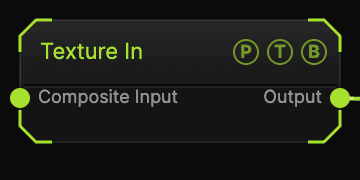
| Port | Type | Purpose |
|---|---|---|
| Composite Input | Texture | Composited under the source with Composite Mode and Composite Mix, which appear once wired. |
| Output | Texture | The incoming texture. |
Parameters
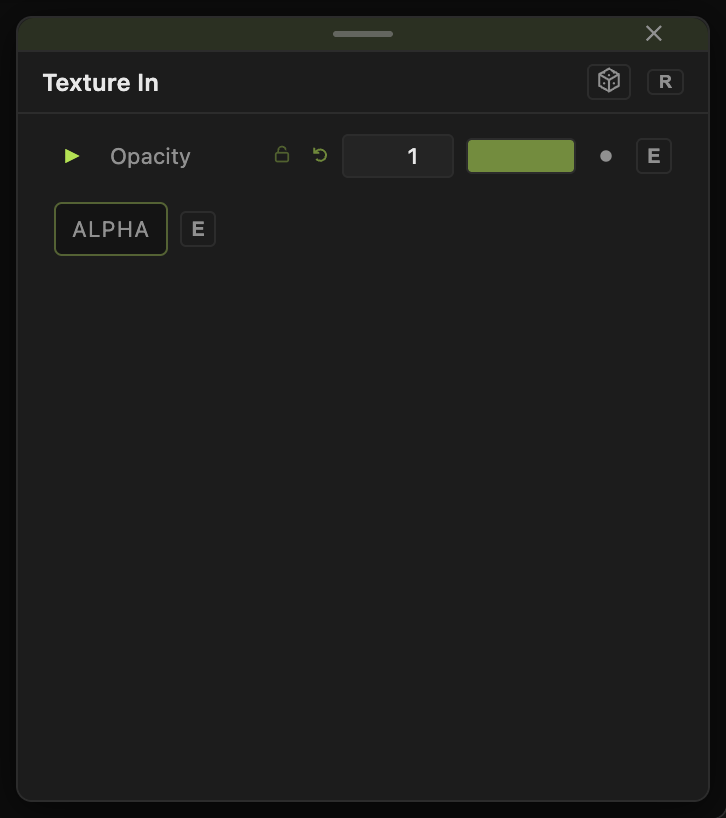
Opacity, Blend Mode, and Alpha are the standard operator header.
This node has no parameters beyond the header.
Every slider has a per-parameter animation bar, so it can be animated, audio driven, or MIDI mapped.
Examples
FX patch — Texture In → any post effect → Output. Save it, then load it into an FX slot in performMODE.
Troubleshooting
It is black in the graph — nothing feeds it there. It only carries an image while the patch is loaded as an effect.