Input & Output
Webcam
A live camera as a texture, with fit and wrap modes.
The Webcam node brings the computer's camera into the graph.
- Fit Mode and Wrap Mode
- Found in the node graph under I/O → I/O
Inputs and outputs
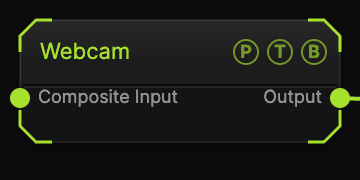
| Port | Type | Purpose |
|---|---|---|
| Composite Input | Texture | Composited under the source with Composite Mode and Composite Mix, which appear once wired. |
| Output | Texture | The camera frame. |
Parameters
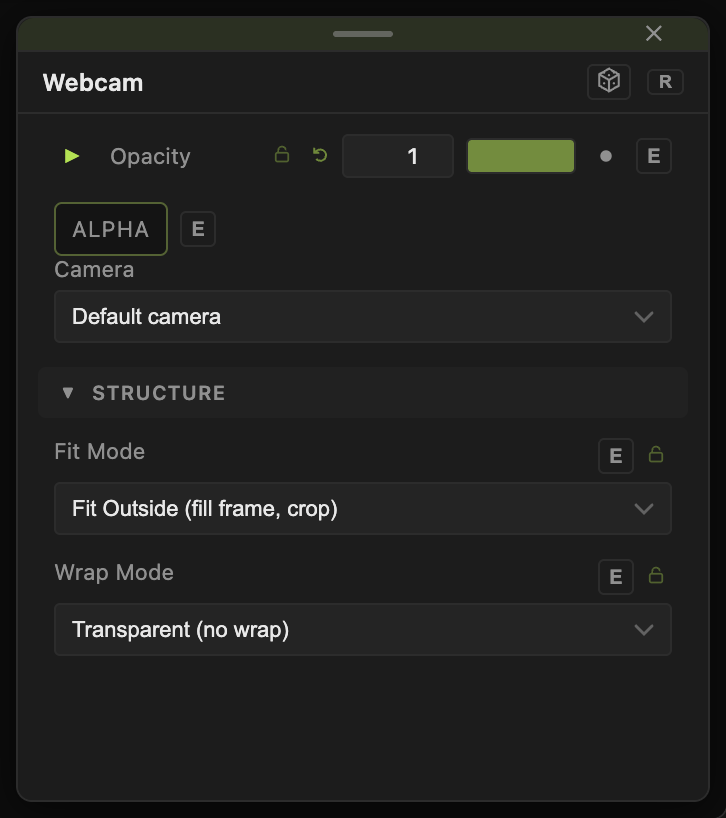
Opacity, Blend Mode, and Alpha are the standard operator header.
- Fit Mode — Fit Outside (fill frame, crop) (default), Fill (stretch), Fit Horizontal, Fit Vertical, Fit Best (letterbox), Native (1:1 pixels).
- Wrap Mode — Transparent (no wrap) (default), Repeat (tile), Mirror (tile), Hold (Extend Edge): what fills the area added by the fit.
Every slider has a per-parameter animation bar, so it can be animated, audio driven, or MIDI mapped.
Examples
Live key — Webcam into Color Key over a generator.
Troubleshooting
Black output — the browser or OS has not granted camera access. Allow it, then re-add the node.