SDF Multicam
Five SDF Camera slots on hotkeys 2 to 6, with a smoothed flight between them that works while playback is paused.
SDF Multicam holds up to five SDF Cameras and outputs whichever is active. Press 2 to 6 to cut between them; 1 returns to the free viewport.
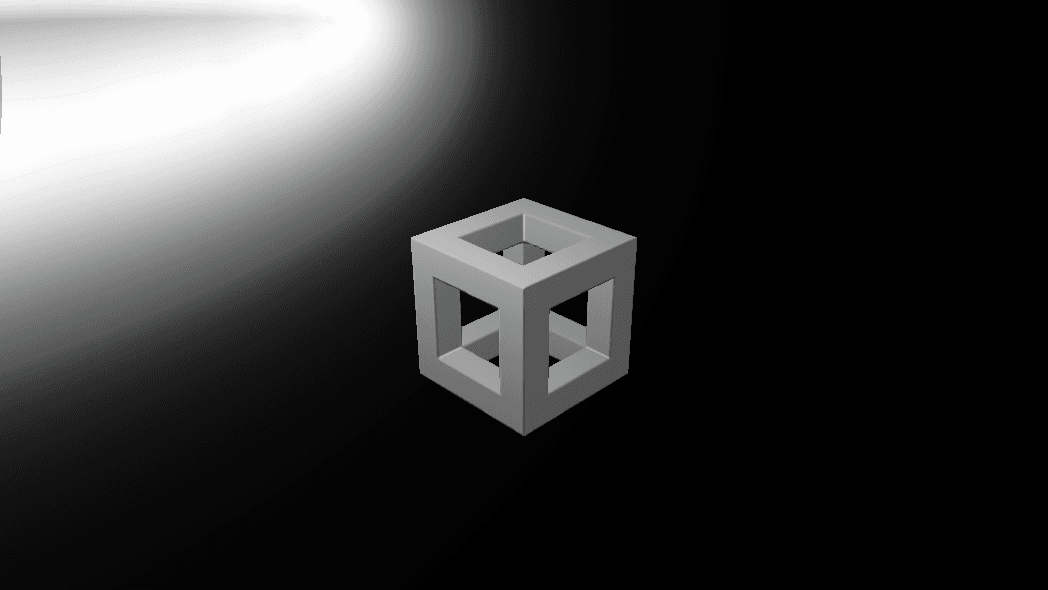
- Active Camera is a normal parameter, so MIDI, modifiers, and the timeline can switch cameras too
- Smoothing flies to the new camera on an eased shortest-arc path
- Found under SDF → Render in the operators panel
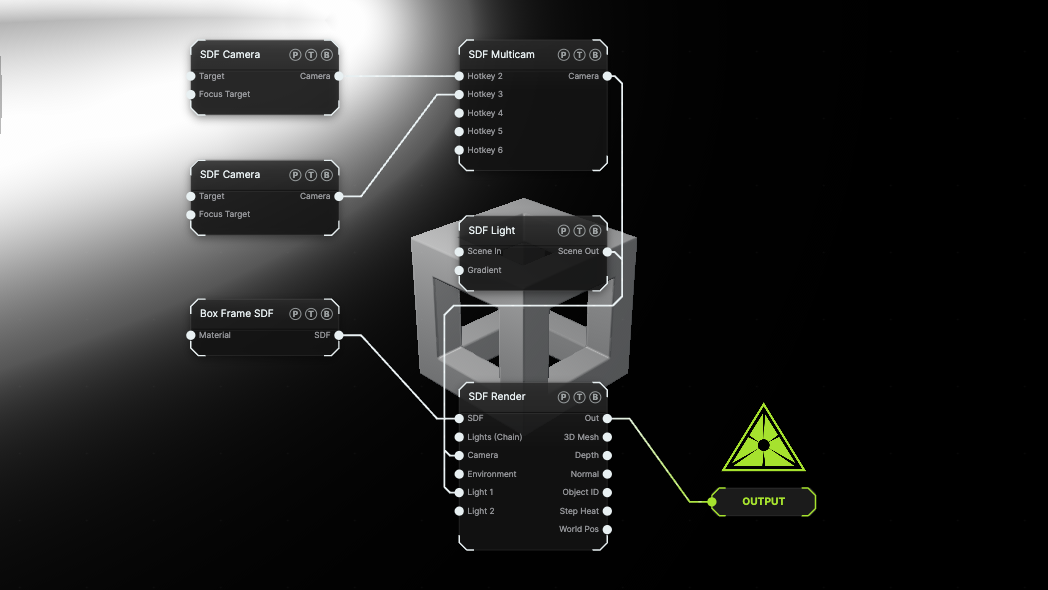
The image on the right is the example patch itself. Drag and drop it onto the app, or load it with File → Load, to open the full graph. Two fixed cameras look at a Box Frame; press 2 and 3 with the viewport focused to switch.
Inputs and outputs
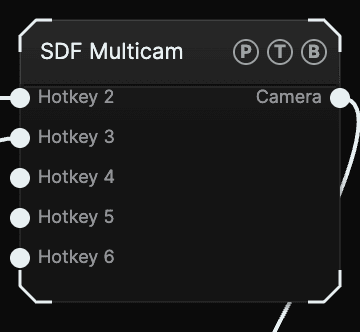
| Port | Type | Purpose |
|---|---|---|
| Hotkey 2 … Hotkey 6 | SDF | One SDF Camera per slot. |
| Camera | SDF | The active camera. Wire it into SDF Render's Camera port, or into a surface Camera's Linked Camera input. |
Only the active slot's camera receives navigation input; the others hold their pose.
Parameters
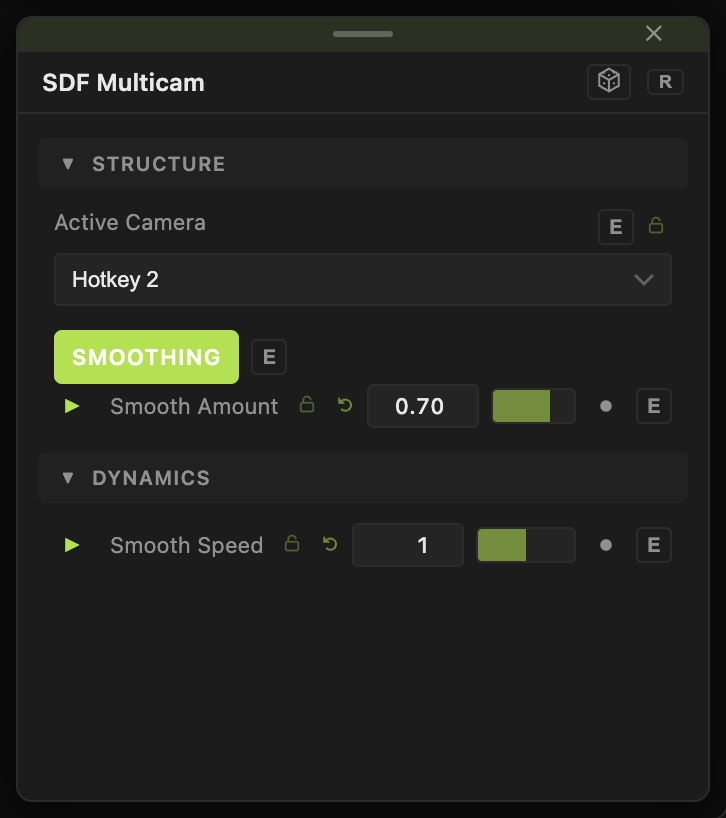
- Active Camera — Hotkey 1 — Viewport or Hotkey 2 to Hotkey 6. Default Hotkey 2. Hotkey 1 is no camera at all: the render falls back to its default view with full viewport navigation.
- Smoothing (default on) — glide instead of cut.
- Smooth Amount (0–1, default 0.7) — 0 is a linear glide, 1 a full ease-in-out.
- Smooth Speed (0.1–10, default 1) — 1 is a one-second flight; higher is snappier.
The flight runs on the wall clock, so switching works while the transport is paused.
Examples
Live cut — map Active Camera to a MIDI pad row through the MIDI modifier and turn Smoothing off.
Slow reveal — Smooth Amount 1, Smooth Speed 0.2: a five-second flight between shots.
Troubleshooting
The view did not change — the slot you pressed is empty, or the Multicam's Camera output is not wired into the render node.
Related
SDF Camera
The ray-generation rig for SDF Render — perspective, orthographic, or fisheye lens, fly or orbit navigation, aim ports, and depth of field.
SDF Render
Raymarches an SDF tree into a texture — engine, quality, anti-aliasing, shadows, ambient occlusion, fog, volume mode, tone mapping, and a polygonized 3D Mesh output.