SDF Light
Ring, Line, Orb, and Beam emitters for SDF scenes, with a visible glow and an optional gradient tint.
SDF Light is a light with a shape. The emitter itself can be drawn as a glow in the frame, and a wired gradient tints the light along its length.
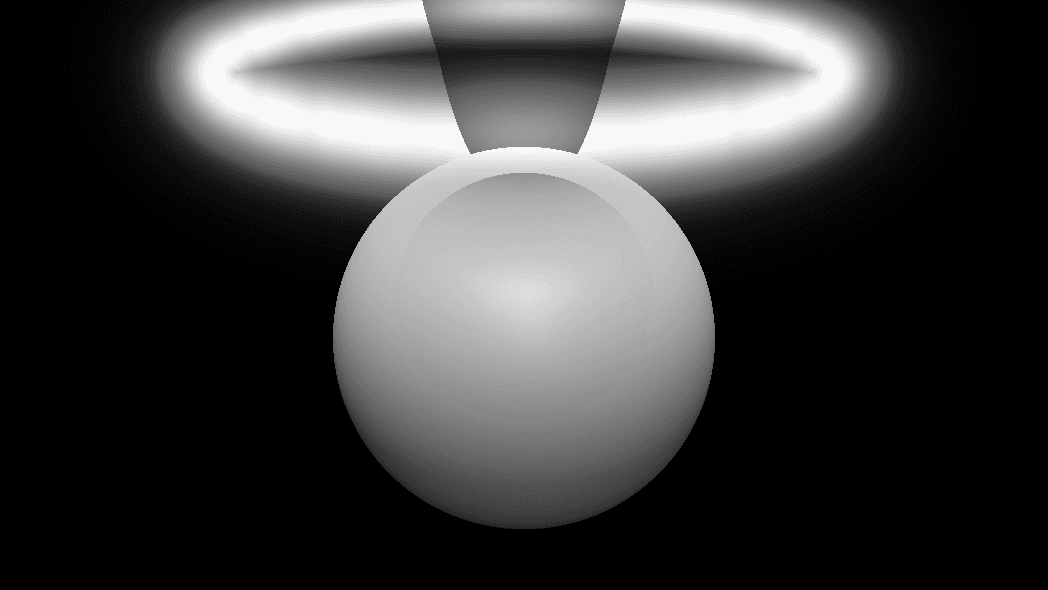
- Four Kind options: Ring, Line, Orb, Beam
- A Gradient texture input that colours the light along its own coordinate
- Found under SDF → Shade in the operators panel; type
ring lightorbeam lightin theTabsearch
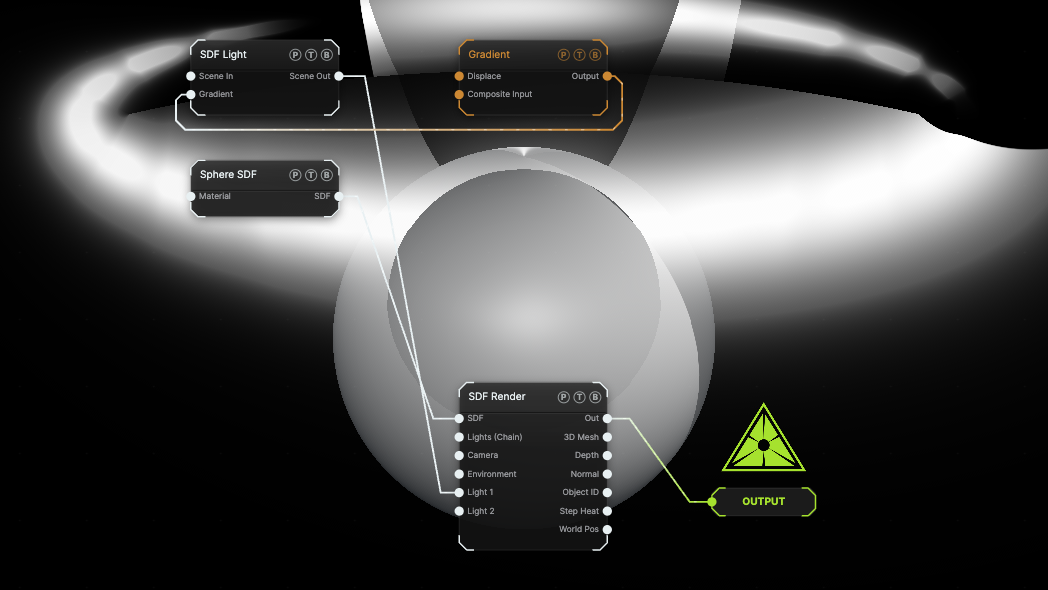
The image on the right is the example patch itself. Drag and drop it onto the app, or load it with File → Load, to open the full graph. A Ring light over a Sphere takes its colour from a Gradient generator.
Inputs and outputs
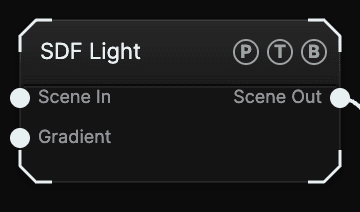
| Port | Type | Purpose |
|---|---|---|
| Scene In | Surface | Optional. Chain another light in here to build a light rig. |
| Gradient | Texture | Any texture, sampled along its middle row. Ring: around the ring. Line: along the segment. Beam: along the shaft. Orb: radially. |
| Scene Out | Surface | Wire it into one of SDF Render's numbered Light slots, or into Lights (Chain) when you chain several. |
SDF Lights share the scene chain with the surface Light nodes, so both kinds can feed the same render node.
Parameters
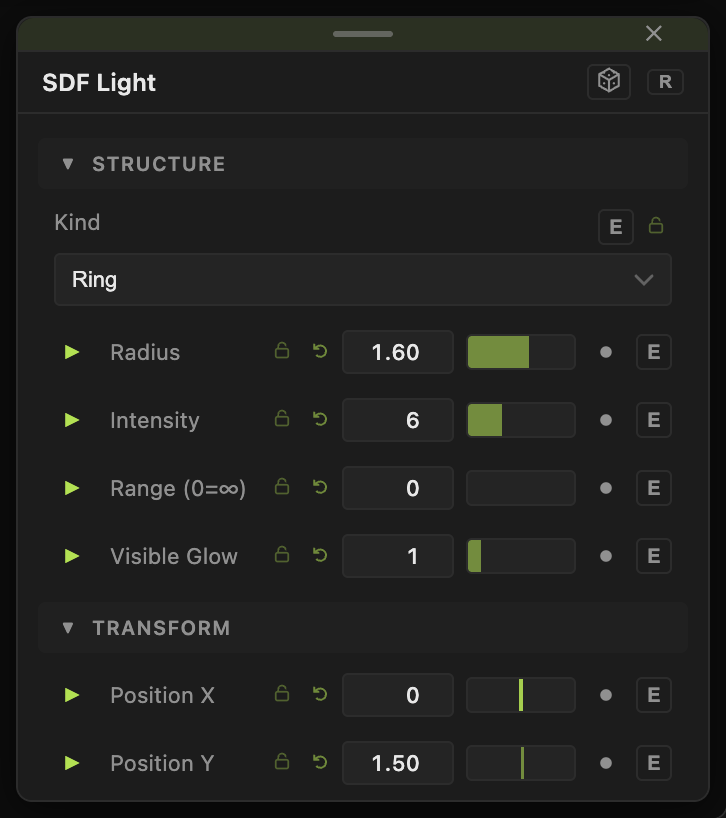
- Kind — default Ring. Ring, Line, and Orb are shaped area lights; Beam is a volumetric cone aimed by the tilts.
- Position X / Y / Z (−30 to 30; Y default 1.5).
- Tilt X° and Tilt Z° (−180 to 180, default 0) — orientation. A Beam points straight down at 0.
- Radius (0.05–20, default 1.6) — ring radius, line half-length, or orb size. Hidden for Beam.
- Cone Angle° (1–80, default 25) — Beam only.
- Softness (0.01–2, default 0.08) — falloff at the emitter edge.
- Color (default white), Intensity (0–60, default 6).
- Range (0=∞) (0–60, default 0) — reach of the light. For a Beam it is also the shaft length.
- Visible Glow (0–8, default 1) — draws the emitter itself. For a Beam it is the shaft density.
Every float has a per-parameter animation bar. See Parameters and Controls.
Examples
Halo — Ring, Radius 2, Visible Glow 2, placed just above the shape.
Neon tube — Line, Color magenta, Visible Glow 3, Intensity 20.
Stage beam — Beam, Cone Angle° 15, Range 8, Visible Glow 2, with AuraEngine on in SDF Render.
Troubleshooting
The light does nothing — its Scene Out must reach the render node's Light 1 (or later) slot, or the Lights (Chain) port. Wiring a bare texture to a light port is ignored.
The gradient is not visible — a gradient tints the light; it does not add brightness. Raise Intensity or Visible Glow.
Related
SDF Material
PBR and stylized shading for SDF shapes, with texture map slots, iridescence, rim light, subsurface, and raymarched reflections.
SDF Lighting FX
Four chainable nodes — SDF Soft Shadows, SDF Ambient Occlusion, SDF Fog, SDF Specular — that switch a lighting feature on at the SDF Render node they reach.