SDF Primitive
26 analytic 3D shapes behind one Shape dropdown, with a shared transform and morph block, for the start of an SDF chain.
SDF Primitive is the basic solid of the SDF family. One node holds 26 shapes, from a sphere to fractals, and the node label follows the shape you pick.
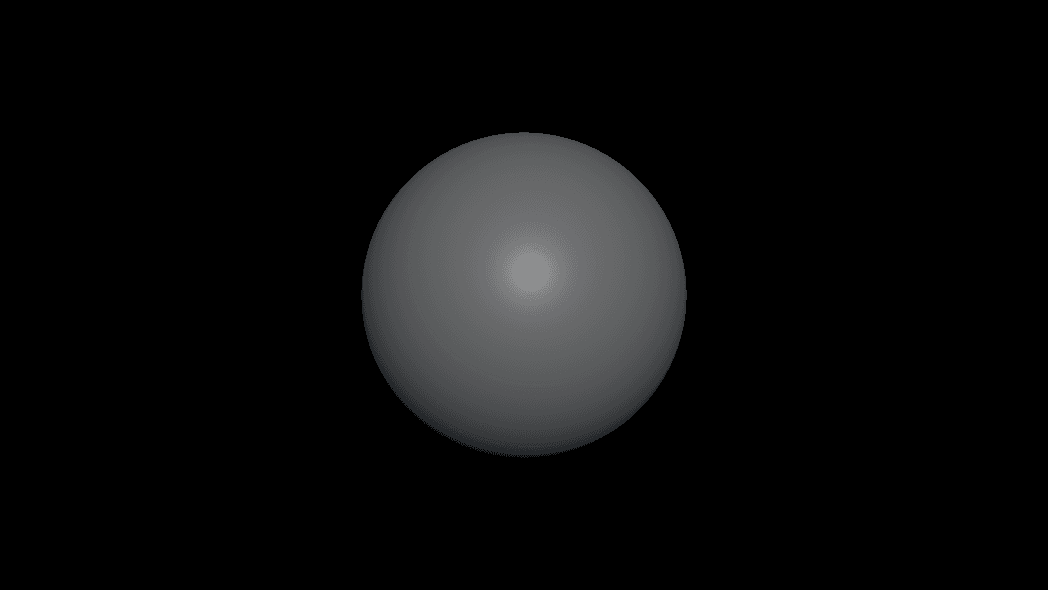
- One Shape dropdown; only the selected shape's dimensions show
- A shared Position / Rotation / Scale block plus Taper, Wobble, Round, and Shell morphs
- Found under SDF → Model in the operators panel, or type a shape name after pressing
Tab
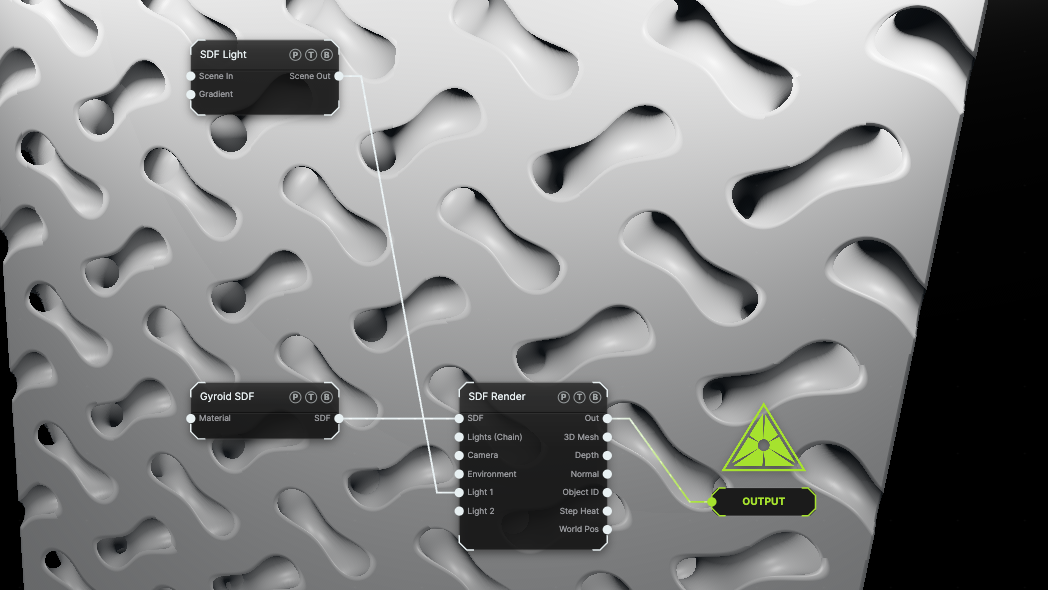
The image on the right is the example patch itself. Drag and drop it onto the app, or load it with File → Load, to open the full graph. It shows a Gyroid primitive lit by an SDF Light through SDF Render.
Inputs and outputs
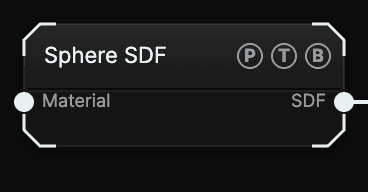
| Port | Type | Purpose |
|---|---|---|
| Material | SDF | Takes the output of an SDF Material. Leave it empty and the shape uses the render node's Default Material. |
| SDF | SDF | The distance field. Wire it into SDF Combine, an SDF Effector, SDF Render, or straight into the Output node. |
A primitive wired straight to the Output node renders with a built-in camera, key light, and material. Put an SDF Render between them when you need quality, shadow, or output controls.
Parameters
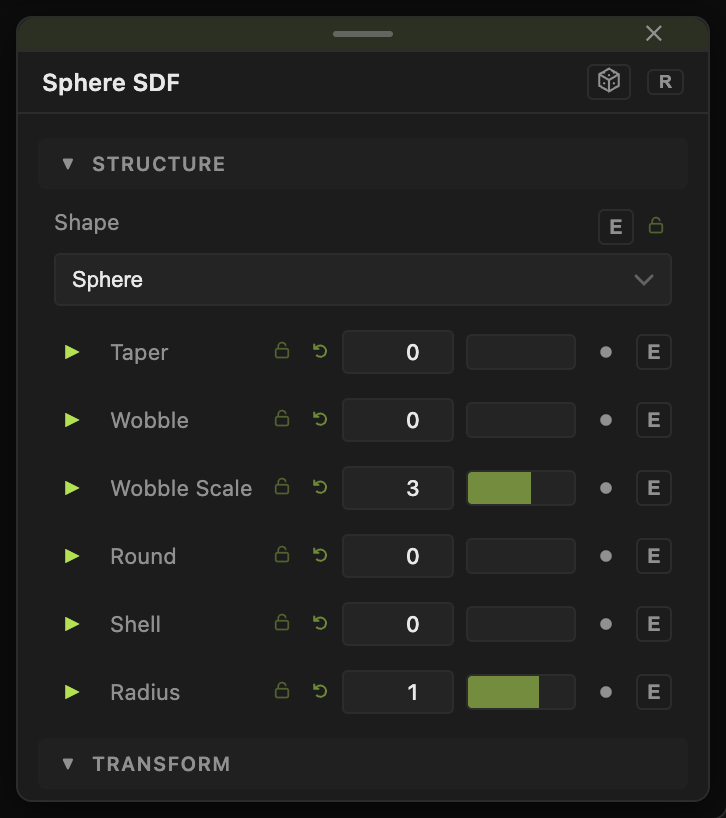
- Shape — the primitive. Default Sphere.
- Taper (−1.5 to 1.5, default 0) — narrows one end of the shape along its axis.
- Wobble (0–1, default 0) — noise displacement of the surface. Wobble Scale (0.1–30, default 3) sets the noise size and Wobble Speed (−10 to 10, default 1) animates it.
- Round (0–1, default 0) — inflates the field so edges become rounded.
- Shell (0–0.5, default 0) — hollows the solid into a shell of that thickness.
- Position X / Y / Z (default 0), Rotation X° / Y° / Z° (default 0), Scale (0.01–20, default 1) — the transform. Scale is uniform, which keeps the distance field exact.
Each shape adds its own dimensions under the dropdown. Sphere has Radius; Box and Round Box have Width / Height / Depth; Torus and Chain Link have Radius and Tube; the fractals have Iterations plus their own fold controls.
Every float here has a per-parameter animation bar, so it can be animated, audio driven, MIDI mapped, or fed by a modifier. See Parameters and Controls.
Shapes
| Group | Shapes |
|---|---|
| Basic solids | Sphere, Box, Round Box, Torus, Ground Plane, Cylinder, Cone, Capsule, Ellipsoid, Cut Sphere, Rounded Cone |
| Polyhedra | Octahedron, Hex Prism, Triangle Prism, Pyramid, Tetrahedron, Box Frame, Chain Link, Solid Angle |
| Procedural | Gyroid, Rock (FBM Sphere) |
| Fractals | Mandelbulb, Menger Sponge, Apollonian, Julia Set, Kali IFS |
Gyroid is an infinite lattice surface clipped by Bound; Cell Size, Thickness, Bias, and Warp shape it. Rock (FBM Sphere) is a sphere displaced by fractal noise with Displace Amount, Detail Scale, and Octaves. The fractals carry Iterations, and Mandelbulb adds Power and Evolve for animation.
Tab search. Typing torus places an SDF Primitive already set to Torus.Examples
Soft cube — Shape Round Box, Round 0.3. The corners round without any extra node.
Hollow sphere — Shape Sphere, Shell 0.05, then cut it open with an SDF Combine set to Subtract.
Breathing blob — Shape Sphere, Wobble 0.4, Wobble Scale 2, Wobble Speed 0.6.
Troubleshooting
A fractal looks torn at a distance — lower March Damping on SDF Render so the marcher takes smaller steps.
Nothing shows after changing Scale — Scale is uniform and cannot go below 0.01. Very large values push the shape past the camera; check Position and the render node's Max Distance.