3D & SimulationParticles
Connection Renderer
Draws distance-faded lines between neighbouring particles.
The Connection Renderer links each particle to its nearest neighbours with lines. Stack it beside a Point Renderer for a plexus look.

- Links / Particle, Max Distance, Thickness, Color
- Found in the node graph under Particles → Renderers
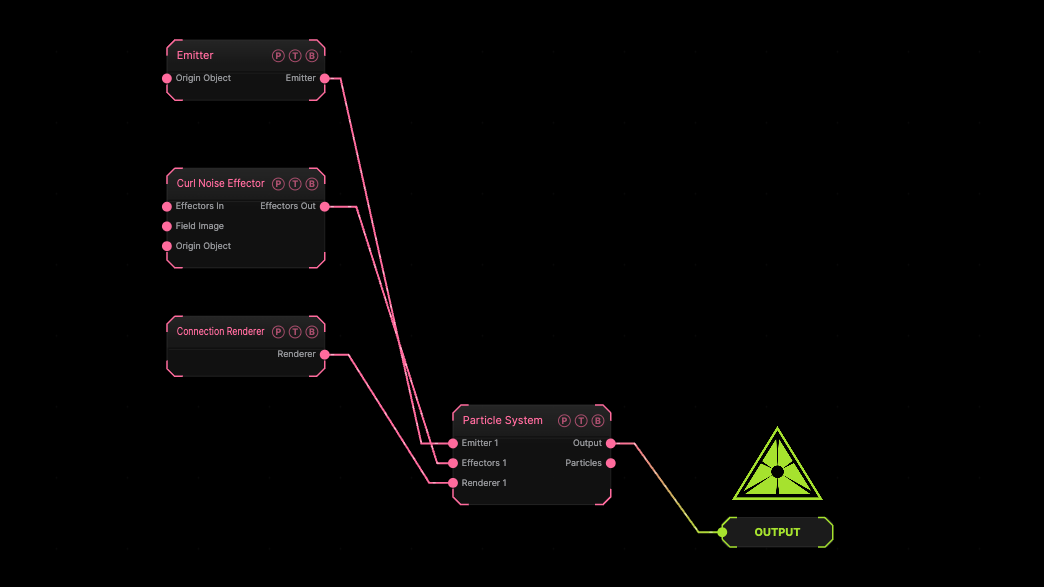
The image on the right is the example patch itself. Drag and drop it onto the app, or load it with File → Load, to open the full graph. A sphere emitter with a curl effector, drawn as connections only.
Inputs and outputs
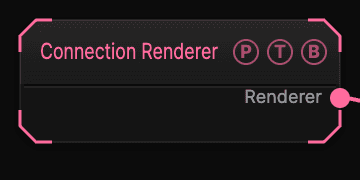
| Port | Type | Purpose |
|---|---|---|
| Renderer | Renderer | Wire it into the Particle System's Renderer port. |
Parameters
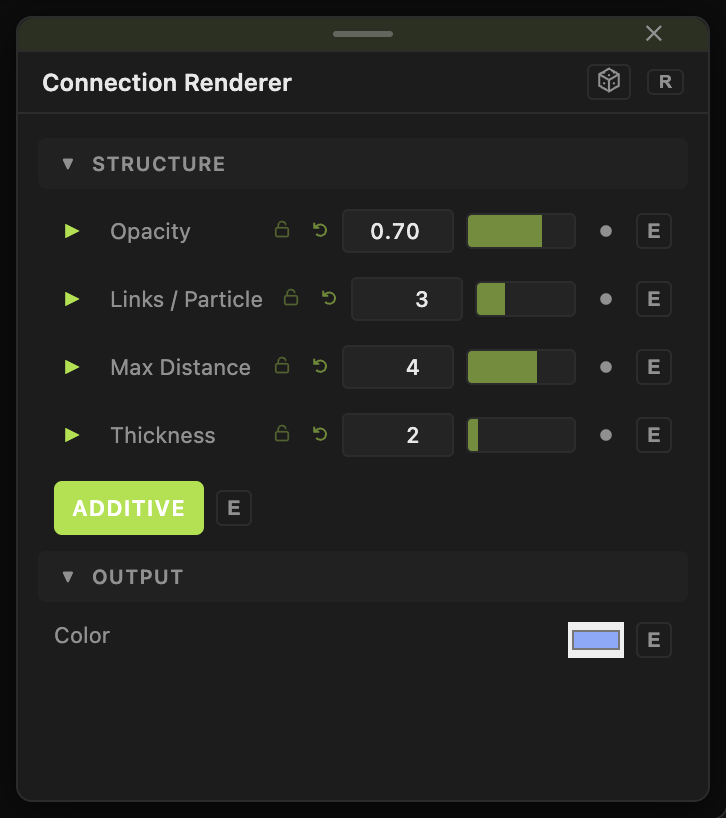
- Opacity (0–1, default 0.7).
- Links / Particle (1–8, default 3).
- Max Distance (0.05–40, default 4) — lines fade out toward this length.
- Thickness (0.5–16, default 2).
- Color (default
#88aaff), Additive (default on).
Every slider has a per-parameter animation bar, so it can be animated, audio driven, or MIDI mapped.
Examples
Plexus — this plus a Point Renderer, a Points Effector, and a Drag Effector.
Troubleshooting
No lines — the particles are further apart than Max Distance.