3D & SimulationParticles
Turbulence Effector
Multi-octave noise force with a field mode that can also attract, repel, or push in one direction.
The Turbulence Effector shakes particles with fractal noise. Its Field Mode can turn the same noise into an attracting, repelling, or directional force.
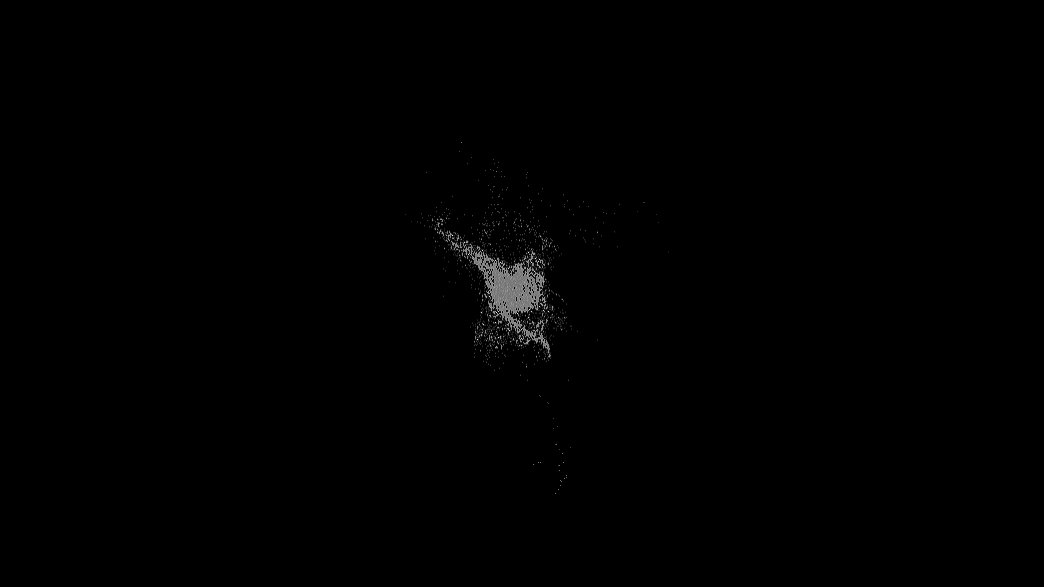
- Field Mode: Turbulence, Attract, Repel, Directional Force
- Spread Angle and Threshold shape the directional variant
- Found in the node graph under Particles → Effectors
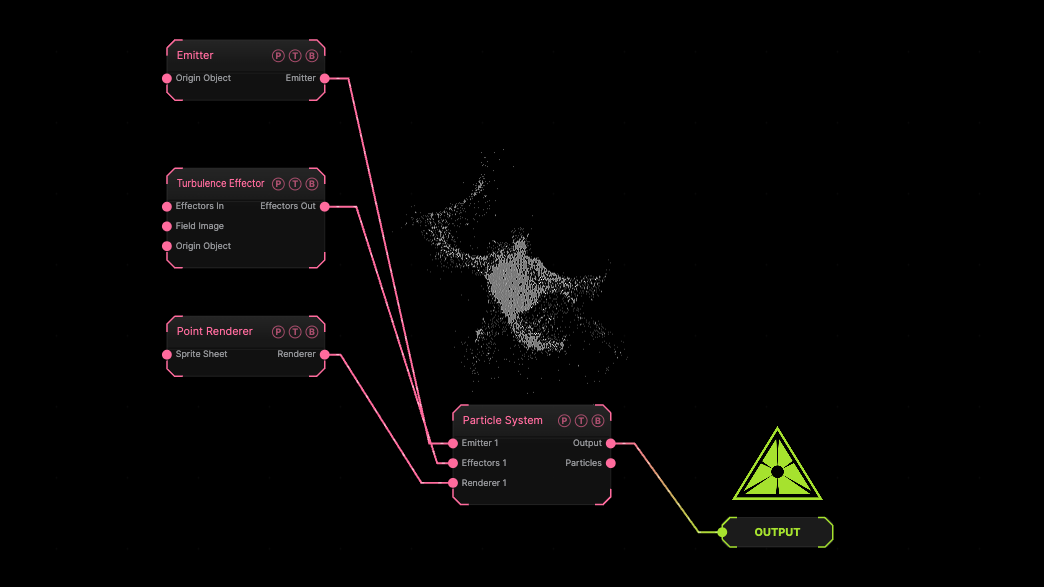
The image on the right is the example patch itself. Drag and drop it onto the app, or load it with File → Load, to open the full graph. The default turbulence on a sphere emitter.
Inputs and outputs
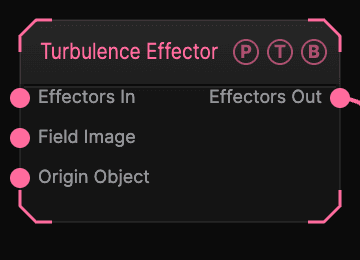
| Port | Type | Purpose |
|---|---|---|
| Effectors In | Effector | The previous effector in the chain, if any. |
| Field Image | Texture | A texture read by the Image field shape. |
| Origin Object | Surface | A Null to parent the effector to. |
| Effectors Out | Effector | Wire it into the next effector, or into the Particle System's Effectors port. |
Parameters
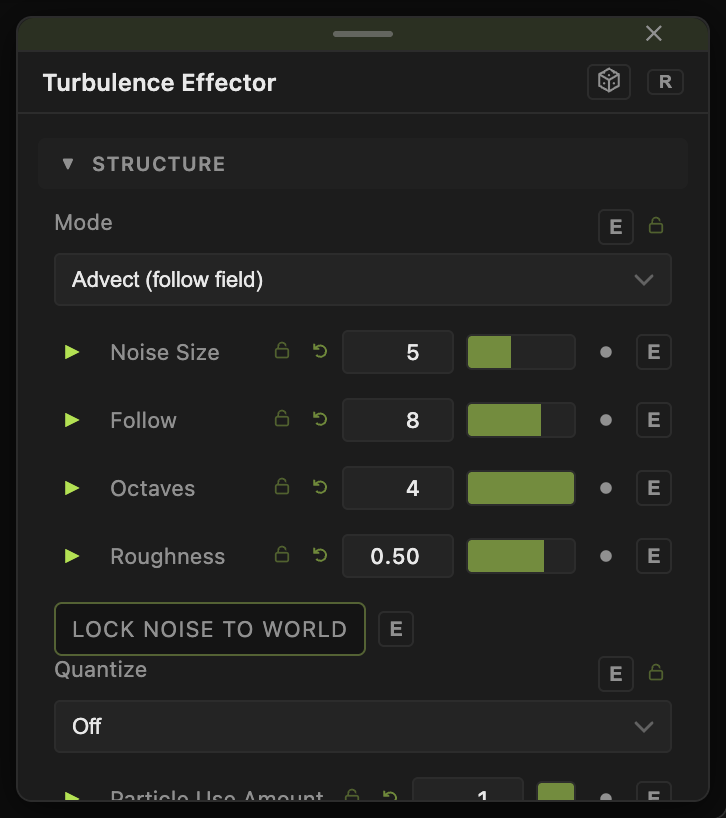
- Strength (0–20, default 1.5), Noise Size (0.65–100, default 5), Speed (0–3, default 0.3), Octaves (1–4, default 4), Roughness (0.1–0.95, default 0.5).
- Field Mode — Turbulence (default), Attract, Repel, or Directional Force. Spread Angle (0–180, default 0) widens the directional cone; Threshold (0–1, default 0) ignores weak noise.
- Field — Rebuilt (default) or Classic (pre-2026-09-03): the construction of the noise. Patches saved before the rebuild keep Classic.
- Mode — Advect (follow field) (default) steers velocity onto the field so particles ride its streamlines; Force (accelerate) treats the field as acceleration and scatters them.
- Follow (0.1–60, default 8) — how quickly Advect mode pulls velocity onto the field.
- Lock Noise To World (default off) — the noise stays fixed in space instead of moving with the effector.
- Quantize — Off (default), 90° Axes, or 90° + 45° snaps the motion to a lattice; Constant Speed and Hard Snap shape the snap.
- Particle Use Amount (0–1, default 1) — the share of particles this effector acts on. Two effectors with the same amount act on different particles.
- Speed Variance (0–4, default 0) and Speed Bias (−1 to 1, default 0) — scatter the force per particle.
Field
- Field (default off) — limits the effector to a region. Field Shape (Sphere, Box, Plane, Image), Field Size (default 3), Falloff (default 0.5), Inner Radius, Invert Field, Field Follows Mouse, and Image Channel for the Image shape. The Field Position / Heading / Pitch / Roll / Scale block places it.
Every slider has a per-parameter animation bar, so it can be animated, audio driven, or MIDI mapped.
Examples
Nervous swarm — Noise Size 2, Speed 1, Strength 4.
Troubleshooting
Nothing moves. The effector's Effectors Out must reach the Particle System's Effectors port, directly or through the last effector in a chain.