3D & SimulationParticles
Mesh Emitter
Spawns particles on a wired surface or a loaded model, on its faces, inside its volume, or on its edges and vertices.
The Mesh Emitter node uses geometry as the spawn volume. Wire any surface chain in, or load a model file, and particles appear on it.
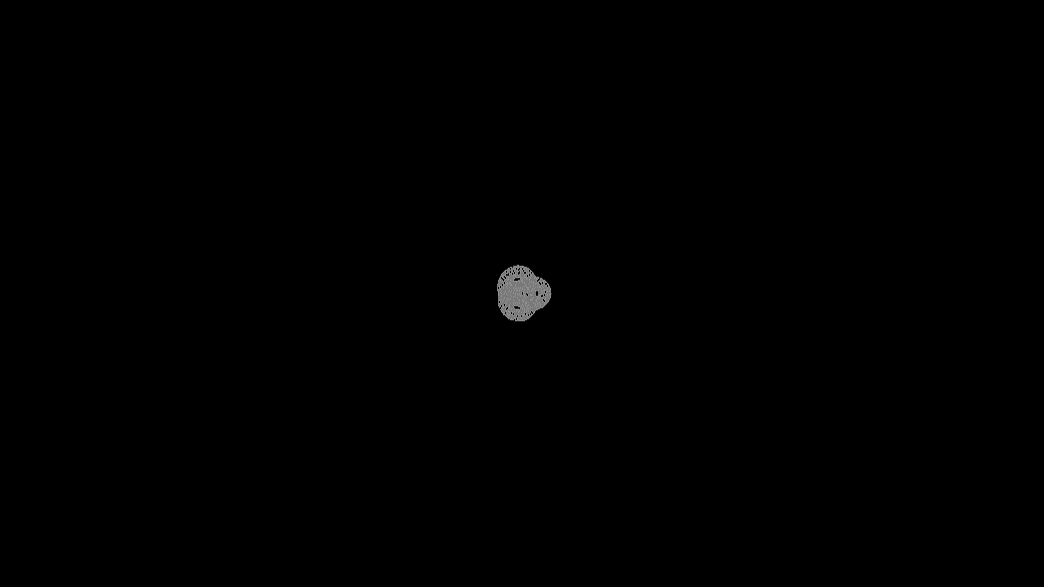
- Spawn Mode: surface, volume, edges, or vertices
- Color From Mesh gives each particle the mesh colour at its birth point
- Emit Rate (fps) paces the spawn
- Found in the node graph under Particles → Emitters
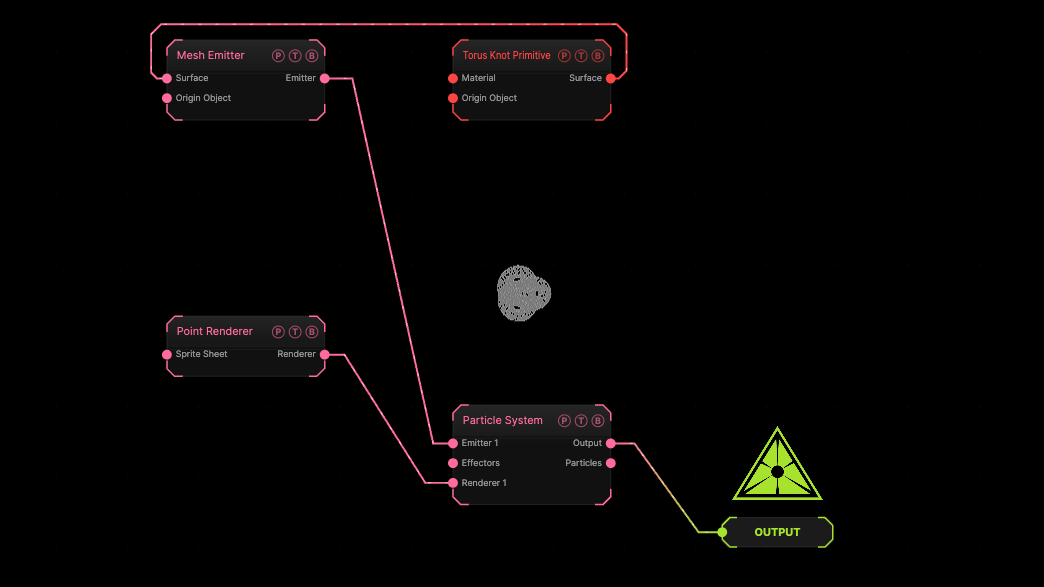
The image on the right is the example patch itself. Drag and drop it onto the app, or load it with File → Load, to open the full graph. A Torus Knot Primitive feeds the emitter; particles are born on its surface.
Inputs and outputs
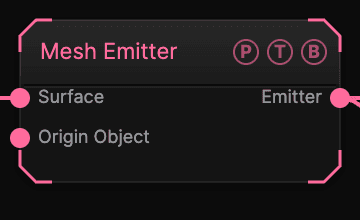
| Port | Type | Purpose |
|---|---|---|
| Surface | Surface | The mesh to spawn on. Wins over the loaded model. |
| Origin Object | Surface | A Null to parent to. |
| Emitter | Emitter | Wire it into the Particle System's Emitter port. |
Parameters
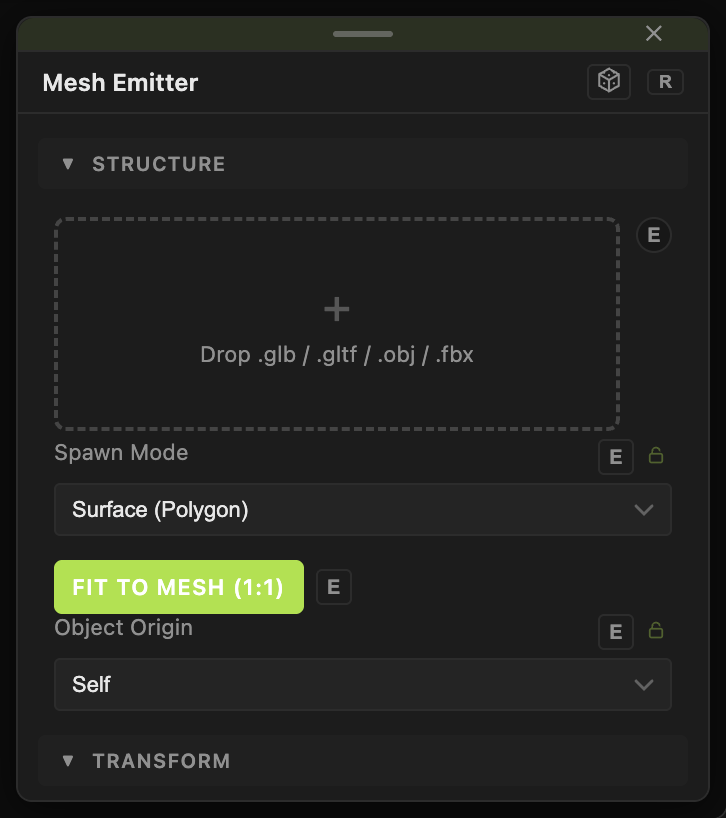
- 3D Model — an OBJ, FBX, or GLB file, used when no surface is wired.
- Emit Rate (fps) (1–60, default 15) — how many times per second new particles are placed.
- Spawn Mode — Surface (Polygon) (default), Volume (Inside), Edges Only, Vertices Only.
- Color From Mesh (default off) — samples the mesh colour once at birth. Luminance Threshold (default 0) skips dark areas; Color Stability (default 0.6) holds the sampled colour.
- Fit To Mesh (1:1) (default on) — the emitter matches the mesh scale. Size (0.1–40, default 8) only applies when it is off.
- Position X / Y / Z.
Every slider has a per-parameter animation bar, so it can be animated, audio driven, or MIDI mapped.
Examples
Ghost model — a loaded model, Spawn Mode Surface, a Drag Effector, and a Point Renderer with Softness 0.5.
Troubleshooting
Size does nothing. With Fit To Mesh (1:1) on and a surface wired, the emitter takes the mesh scale. Turn Fit To Mesh off to use Size.