3D & SimulationParticles
Mesh Attract Effector
Condenses the cloud onto a wired surface or a loaded model.
The Mesh Attract Effector pulls particles onto geometry and holds them there.
- Strength, Radius, Stickiness
- Found in the node graph under Particles → Effectors
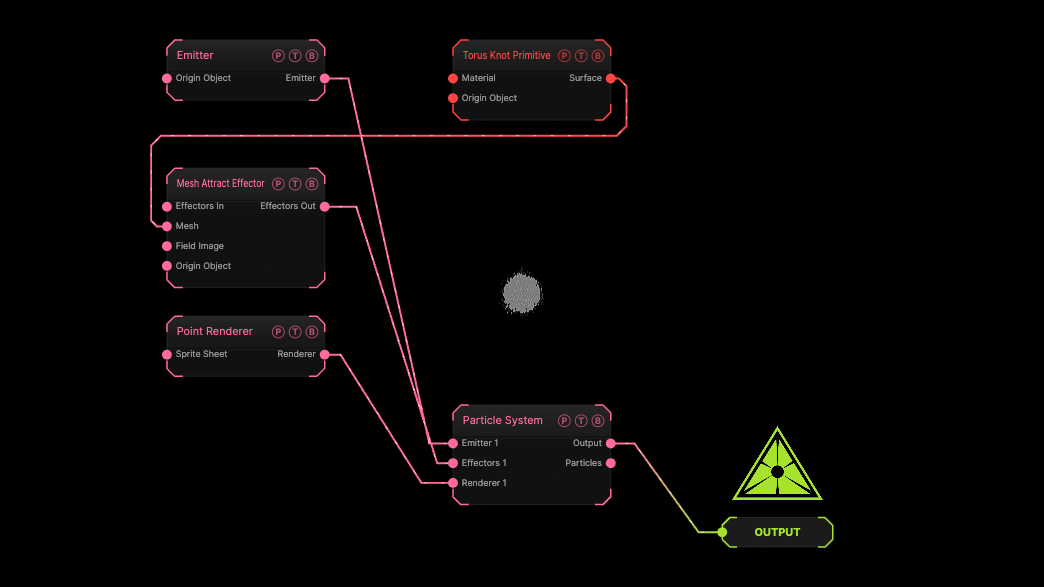
The image on the right is the example patch itself. Drag and drop it onto the app, or load it with File → Load, to open the full graph. A Torus Knot Primitive wired into the Mesh port.
Inputs and outputs
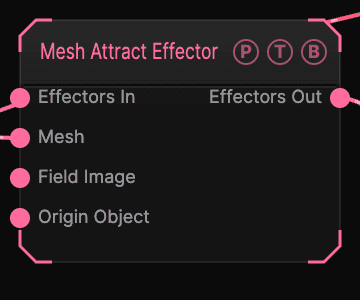
| Port | Type | Purpose |
|---|---|---|
| Effectors In | Effector | The previous effector in the chain, if any. |
| Mesh | Surface | The surface to attract to. Wins over the loaded model. |
| Field Image | Texture | A texture read by the Image field shape. |
| Origin Object | Surface | A Null to parent the effector to. |
| Effectors Out | Effector | Wire it into the next effector, or into the Particle System's Effectors port. |
Parameters
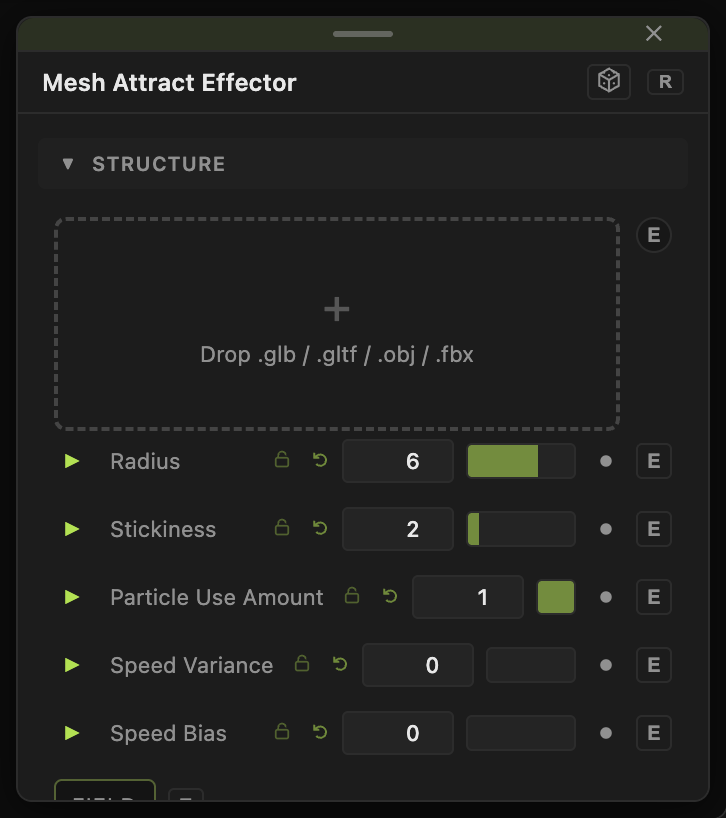
- 3D Model — a file, used when no mesh is wired.
- Strength (−60 to 60, default 10). Negative repels.
- Radius (0.1–50, default 6).
- Stickiness (0–20, default 2).
- Particle Use Amount (0–1, default 1) — the share of particles this effector acts on. Two effectors with the same amount act on different particles.
- Speed Variance (0–4, default 0) and Speed Bias (−1 to 1, default 0) — scatter the force per particle.
Field
- Field (default off) — limits the effector to a region. Field Shape (Sphere, Box, Plane, Image), Field Size (default 3), Falloff (default 0.5), Inner Radius, Invert Field, Field Follows Mouse, and Image Channel for the Image shape. The Field Position / Heading / Pitch / Roll / Scale block places it.
Every slider has a per-parameter animation bar, so it can be animated, audio driven, or MIDI mapped.
Examples
Model from dust — an Emitter with a large radius, this effector, and a Drag Effector.
Troubleshooting
Nothing moves. The effector's Effectors Out must reach the Particle System's Effectors port, directly or through the last effector in a chain.