Effects
Cel Shading
Flattens tones into a few levels and draws an outline, for a cartoon look.
The Cel Shading node posterizes the picture's shading and adds an ink line on the edges.
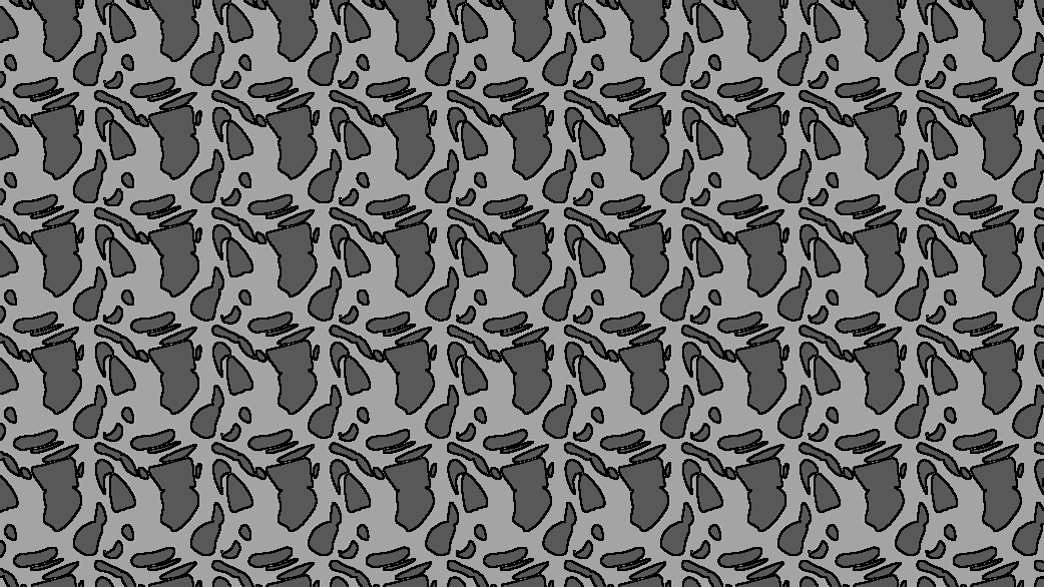
- Levels and Gamma shape the flat tones
- Edge Width, Edge Threshold, Edge Color draw the outline
- A light direction for optional shading
- Found in the node graph under Post FX → Stylize
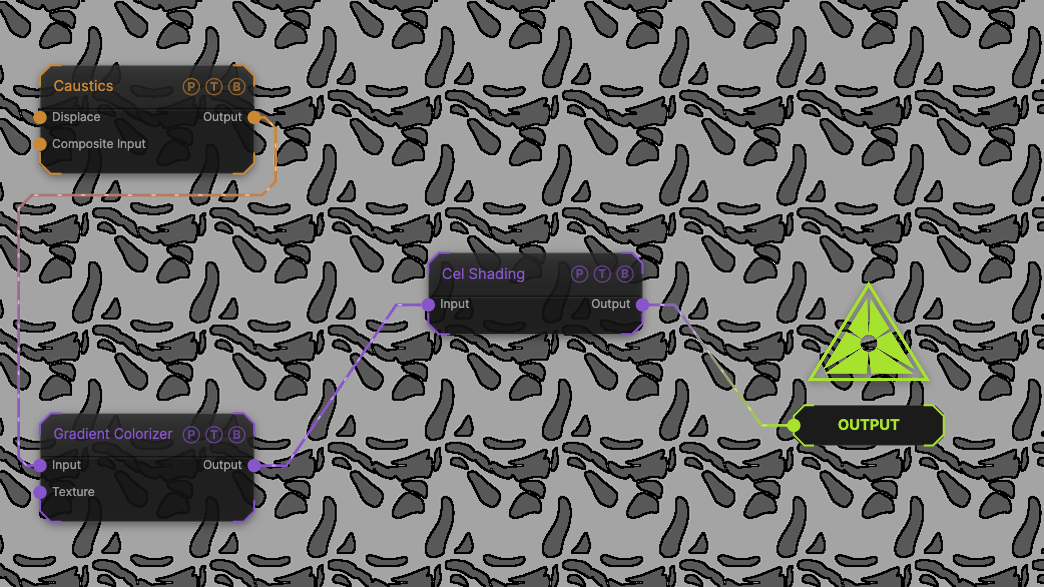
The image on the right is the example patch itself. Drag and drop it onto the app, or load it with File → Load, to open the full graph. A Caustics field, run through a Gradient Colorizer, with the default 4 levels and a black edge.
Inputs and outputs
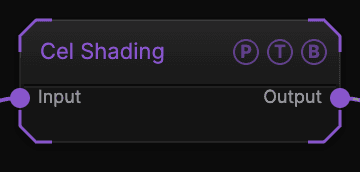
| Port | Type | Purpose |
|---|---|---|
| Input | Texture | The picture to process. |
| Output | Texture | The result. |
Parameters
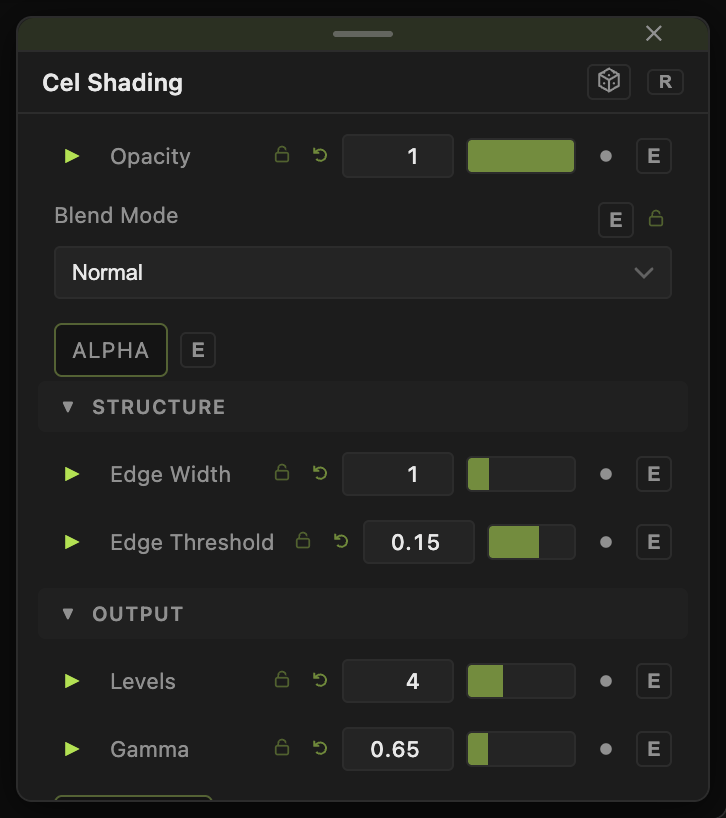
Opacity, Blend Mode, and Alpha are the standard operator header; see Parameters and Controls.
- Levels (2–8, default 4), Gamma (0.1–3, default 0.65).
- Antialias (default off) — smooths the level edges.
- Edge Width (0–5, default 1), Edge Threshold (0.01–1, default 0.15), Edge Color (default black).
- Light Dir X / Y / Z (default 0.5, 0.5, 1) and Shading Strength (0–1, default 0) — a lighting term added from a height reading of the picture.
Every slider has a per-parameter animation bar, so it can be animated, audio driven, or MIDI mapped.
Examples
Ink only — Levels 2, Edge Width 2.
Troubleshooting
Edges everywhere — raise Edge Threshold.