Surface Light
Lights the picture as a height map with a full shading model: normal map, diffuse, specular, fresnel, rim, flood, or cavity occlusion.
The Surface Light node reads the picture as terrain and shades it with a directional or point light. Its Mode picks which term of the lighting model you get.
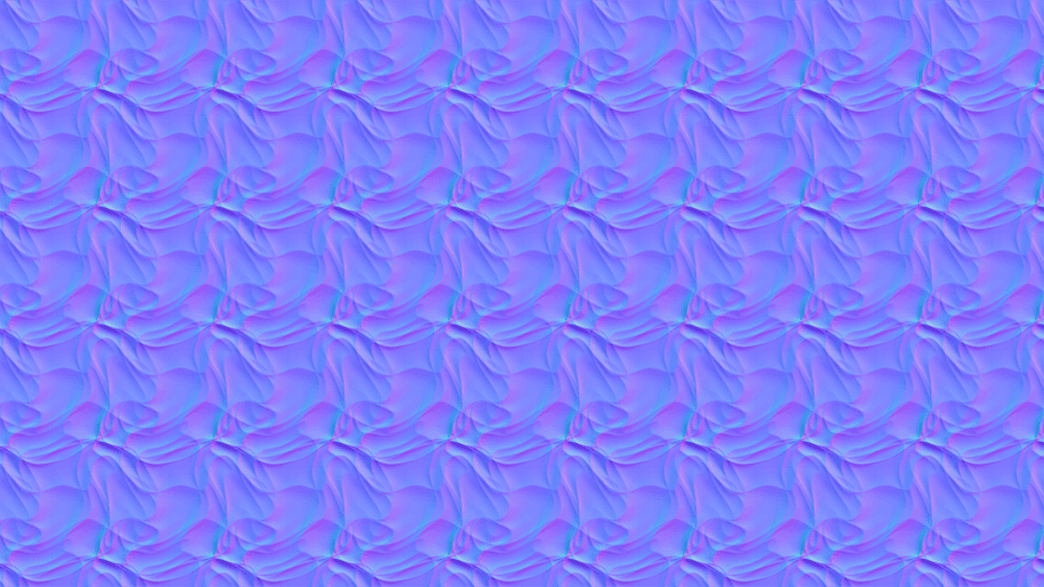
- Seven Mode outputs, from a raw normal map to cavity AO
- Directional or Point light with colour, intensity, and ambient
- Use Input Alpha keeps a cut-out a cut-out
- Found in the node graph under Post FX → Stylize
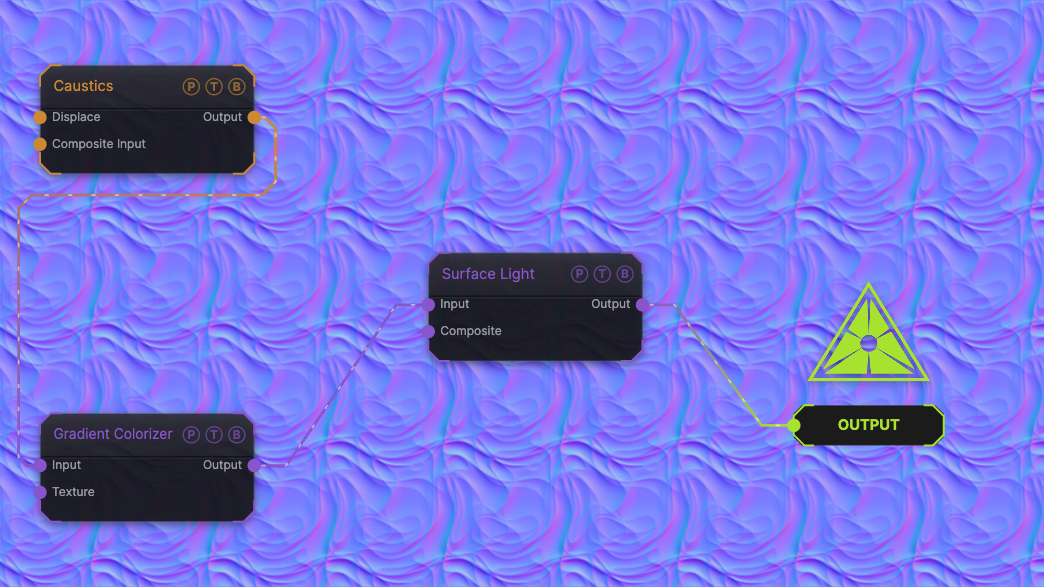
The image on the right is the example patch itself. Drag and drop it onto the app, or load it with File → Load, to open the full graph. A Caustics field, run through a Gradient Colorizer, in the default Normal Map mode.
Inputs and outputs
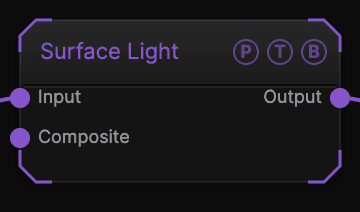
| Port | Type | Purpose |
|---|---|---|
| Input | Texture | The height picture. |
| Composite | Texture | A picture to composite under the result. |
| Output | Texture | The result. |
Parameters
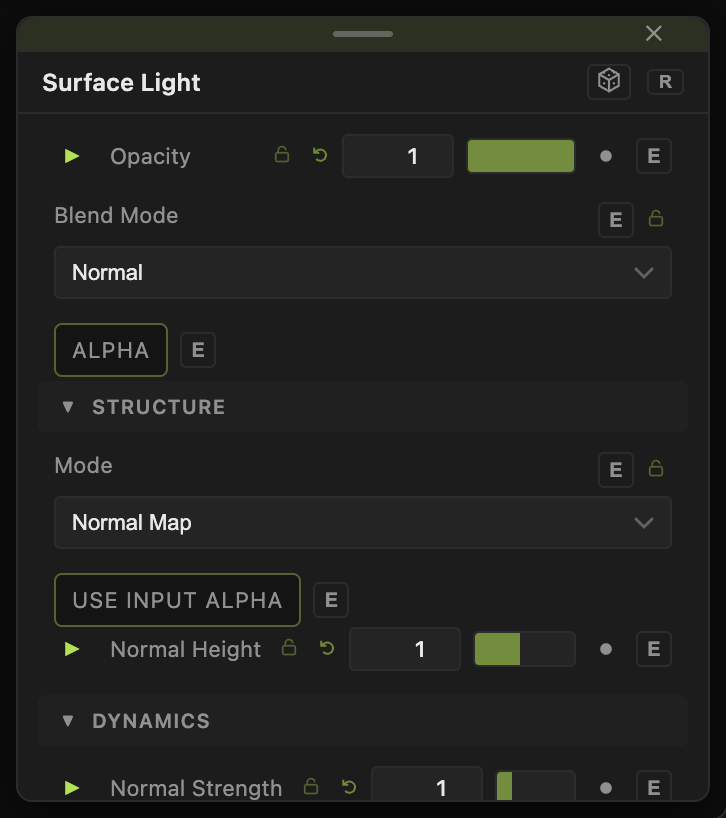
Opacity, Blend Mode, and Alpha are the standard operator header; see Parameters and Controls.
- Mode — Normal Map (default), Diffuse, Specular, Fresnel, Rim, Flood, Cavity AO.
- Use Input Alpha (default off) — on, the output alpha follows the input so transparency survives.
- Normal Strength (0–5, default 1), Normal Height (0.1–16, default 1) — how the height map becomes normals.
- Light Type — Directional (default) with Light Azimuth (default 135) and Light Elevation (default 45), or Point with Light X / Y (default 0.5), Light Height (default 0.5), Light Spread (default 1.5).
- Light Color, Intensity (0–4, default 1), Ambient (0–1, default 0.1).
- Specular (0–2, default 0.5), Shininess (1–128, default 16), Fresnel Power and Rim Power (0.1–8, default 2), Rim Color.
- AO Intensity (0–4, default 1), Flood Color and Flood Intensity (0–4, default 1) for the Cavity AO and Flood modes.
- Clamp Low / High (0–1, default 0 / 1) — clip the output range.
Every slider has a per-parameter animation bar, so it can be animated, audio driven, or MIDI mapped.
Examples
Lit terrain — Mode Diffuse on a Topographic generator with Normal Height 4.
Moving lamp — Light Type Point with Light X / Y from a Mouse modifier.
Troubleshooting
The output is a flat blue-purple picture — that is Normal Map mode. Switch Mode to Diffuse to see it lit.