RGB Delay
Delays each colour channel by a different number of frames, in a Split or Ghost mode.
The RGB Delay node reads its red, green, and blue channels from different past frames. Anything that moves leaves colour-separated copies of itself behind.
- Red Delay, Green Delay, Blue Delay in frames
- Split replaces channels; Ghost accumulates trails
- Found in the node graph under Post FX → Distortion
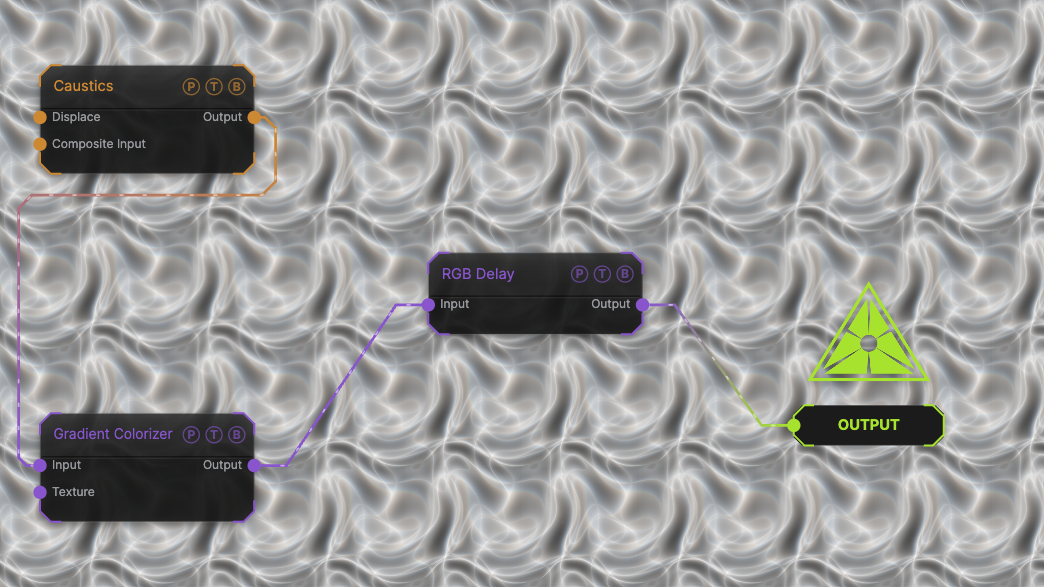
The image on the right is the example patch itself. Drag and drop it onto the app, or load it with File → Load, to open the full graph. A slowly moving Caustics field, run through a Gradient Colorizer, with the default 6 / 4 / 2 frame delays.
Inputs and outputs
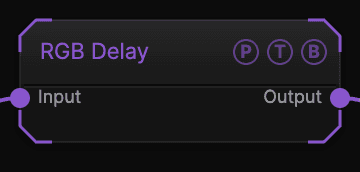
| Port | Type | Purpose |
|---|---|---|
| Input | Texture | The picture to process. |
| Output | Texture | The result. |
Parameters
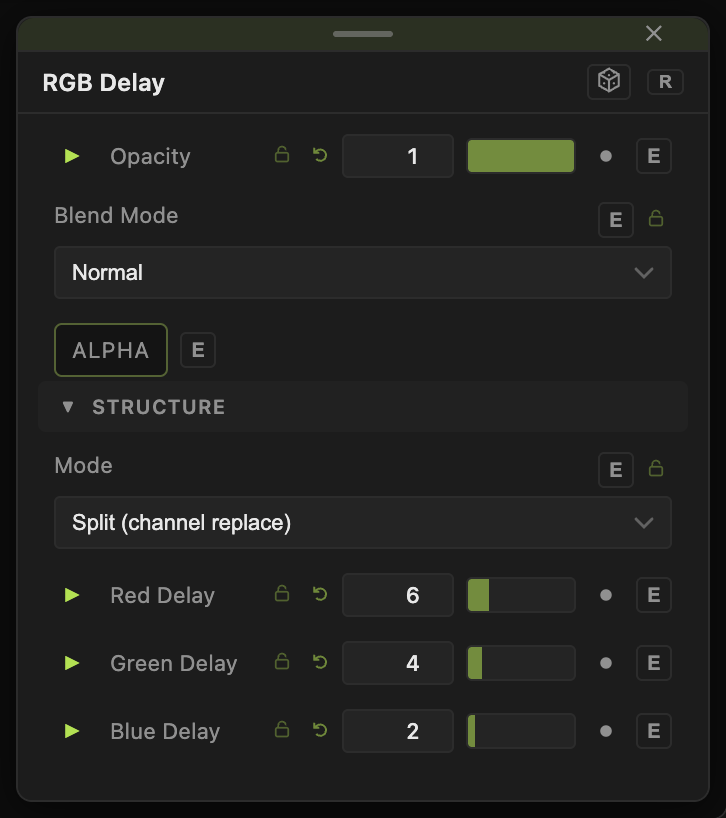
Opacity, Blend Mode, and Alpha are the standard operator header; see Parameters and Controls.
- Mode — Split (channel replace) (default) builds the frame from three delayed channels; Ghost (color trails) blends the delayed channels into trails.
- Red Delay (default 6), Green Delay (default 4), Blue Delay (0–30, default 2) — frames of delay per channel. 0 is the live frame.
Every slider has a per-parameter animation bar, so it can be animated, audio driven, or MIDI mapped.
Examples
Classic tri-colour smear — the defaults on a fast Worms generator.
Monochrome echo — the same delay on all three channels turns the node into a frame delay.
Troubleshooting
Nothing separates — the source is static. Delays only show where the picture changes between frames.
The trails never fade — that is Ghost mode. Switch to Split for clean copies.