Glitch
Digital corruption: shifted blocks, colour offsets, scanlines, jitter, and snow, animated on their own.
The Glitch node breaks the picture into blocks and throws them around, with colour splitting, scanlines, and noise layered on top.
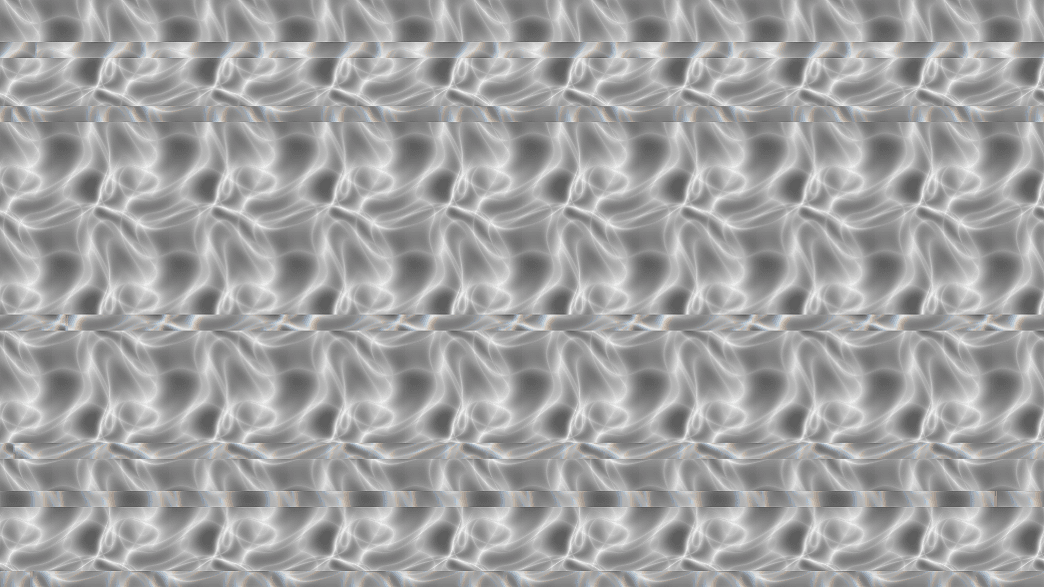
- Intensity and Block Size set the damage
- Separate amounts for Color Shift, Scanlines, Jitter, Snow, Blockiness
- Found in the node graph under Post FX → Stylize
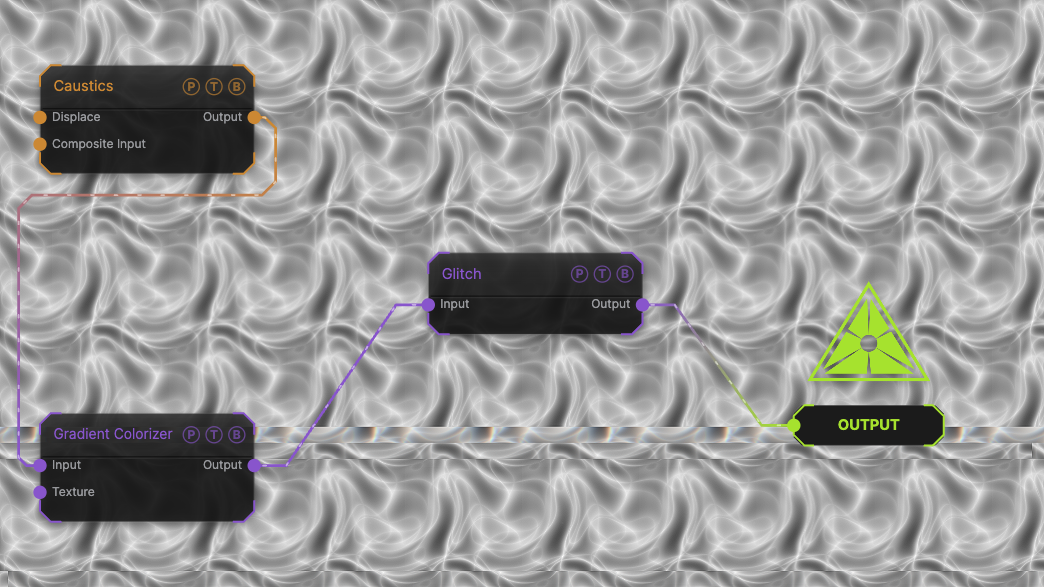
The image on the right is the example patch itself. Drag and drop it onto the app, or load it with File → Load, to open the full graph. A Caustics field, run through a Gradient Colorizer, with the default glitch.
Inputs and outputs
| Port | Type | Purpose |
|---|---|---|
| Input | Texture | The picture to process. |
| Output | Texture | The result. |
Parameters
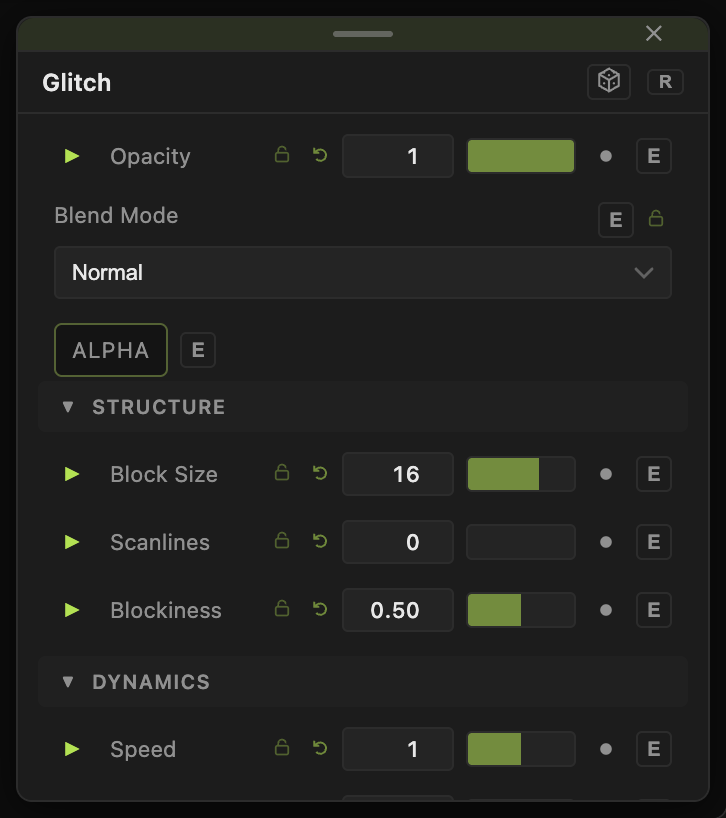
Opacity, Blend Mode, and Alpha are the standard operator header; see Parameters and Controls.
- Intensity (0–2, default 0.3) — overall amount.
- Block Size (1–64, default 16) — size of the displaced blocks in pixels.
- Speed (0–5, default 1) — how fast the damage changes. 0 freezes the current pattern.
- Color Shift (0–1, default 0.5) — channel separation inside the blocks.
- Scanlines (0–1, default 0), Jitter (0–1, default 0), Snow (0–1, default 0) — extra layers, off by default.
- Blockiness (0–1, default 0.5) — how many blocks are hit.
Every slider has a per-parameter animation bar, so it can be animated, audio driven, or MIDI mapped.
Examples
Broken signal — Intensity 1, Scanlines 0.5, Snow 0.3.
Hit on the beat — drive Intensity from a Trigger fired by a Sound modifier.
Troubleshooting
Too much all the time — glitches read better in bursts. Keep Intensity near 0 and spike it from a modifier.