Pixel Sort
Sorts runs of pixels by brightness inside a threshold band, as a reorder or a streak.
The Pixel Sort node picks pixels inside a brightness band and sorts them along a line, which smears the picture into streaks.
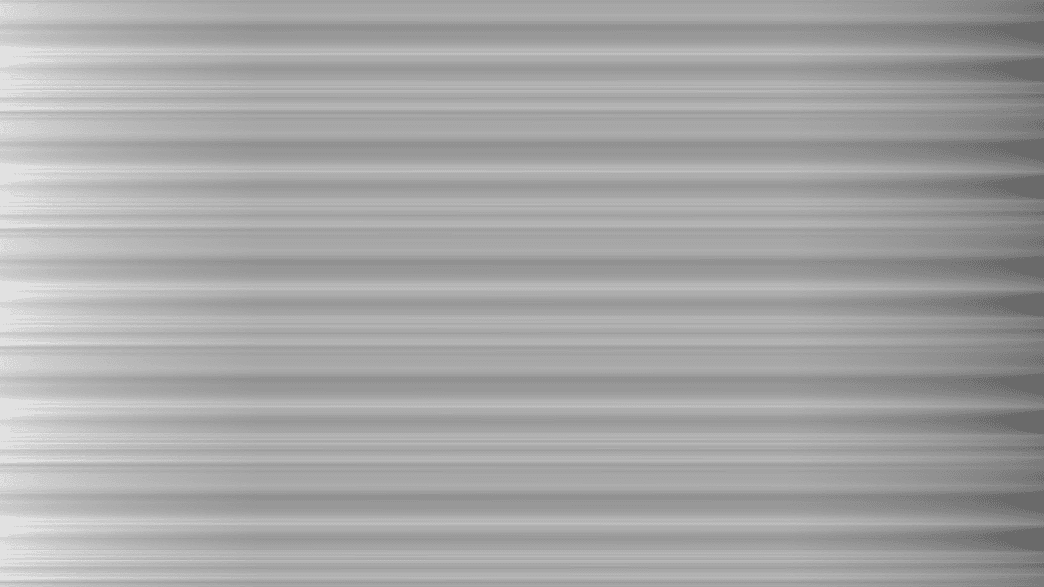
- Threshold Op Greater or Between, with band controls
- Rotation, Length, Pixel Size, and a Mode of Reorder or Streak
- Found in the node graph under Post FX → Stylize
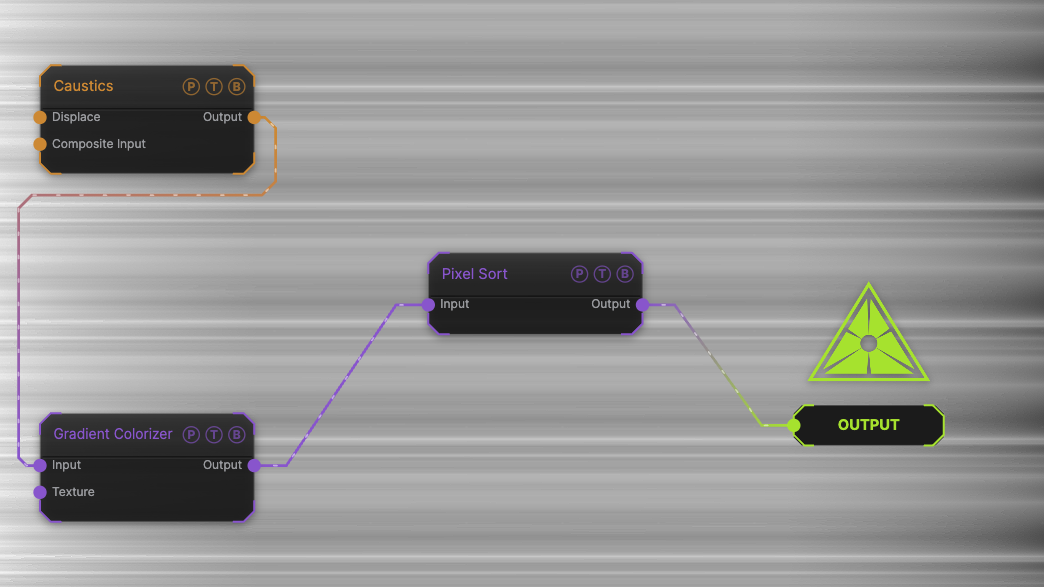
The image on the right is the example patch itself. Drag and drop it onto the app, or load it with File → Load, to open the full graph. A Caustics field, run through a Gradient Colorizer, sorted at the default threshold.
Inputs and outputs
| Port | Type | Purpose |
|---|---|---|
| Input | Texture | The picture to process. |
| Output | Texture | The result. |
Parameters
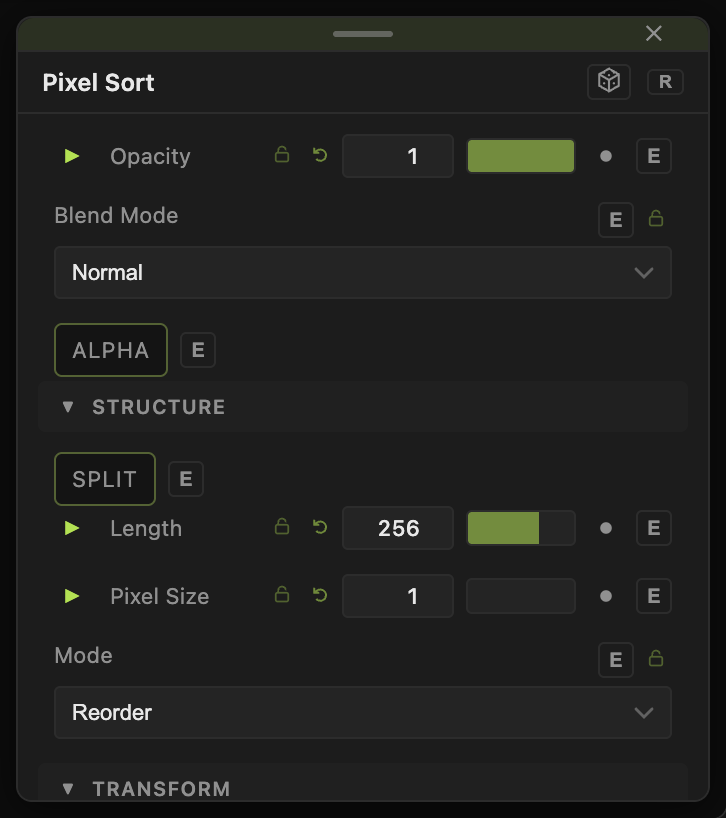
Opacity, Blend Mode, and Alpha are the standard operator header; see Parameters and Controls.
- Threshold Op — Greater (default) sorts pixels brighter than Threshold (0–1, default 0.15); Between sorts inside a band.
- Band Mode — Band Width + Position (default) with Band Width (default 0.25) and Band Position (default 0.5), or Min + Max with Band Min (default 0.35) and Band Max (default 0.65).
- Clamp (No Wrap) (default off) — stops runs at the frame edge.
- Rotation (−180 to 180, default 0) — sort direction.
- Split (default off) — sorts each side of the centre separately.
- Length (1–4096, default 256) — maximum run length in pixels.
- Pixel Size (1–32, default 1) — sorts blocks instead of single pixels.
- Mode — Reorder (default) rearranges the pixels; Streak drags them.
Every slider has a per-parameter animation bar, so it can be animated, audio driven, or MIDI mapped.
Examples
Falling city — Rotation 90, Threshold 0.4 on a photo.
Beat smear — drive Length from a Sound modifier.
Troubleshooting
Nothing sorts — no pixels pass the threshold. Lower Threshold, or switch to Between and widen the band.