Pointillize
Rebuilds the picture from dots or from cells of a sprite sheet.
The Pointillize node replaces the frame with a grid of discs coloured from the source. Swap the discs for a sprite sheet and every cell can be a different glyph.
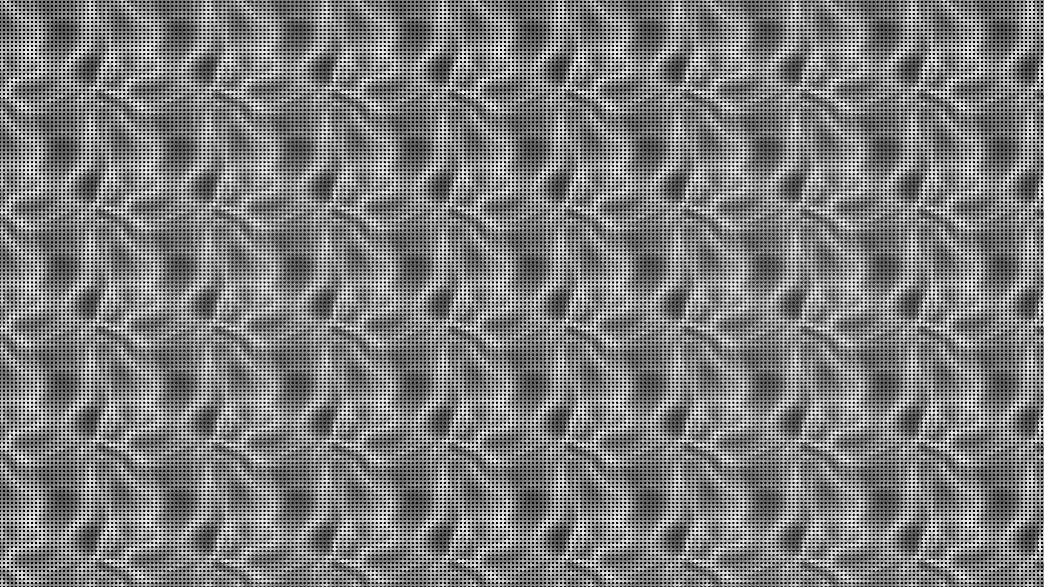
- Dot Size sets the grid
- Sprite Mode switches to a sprite sheet with animation, random cycling, scale variation, and jitter
- Found in the node graph under Post FX → Stylize
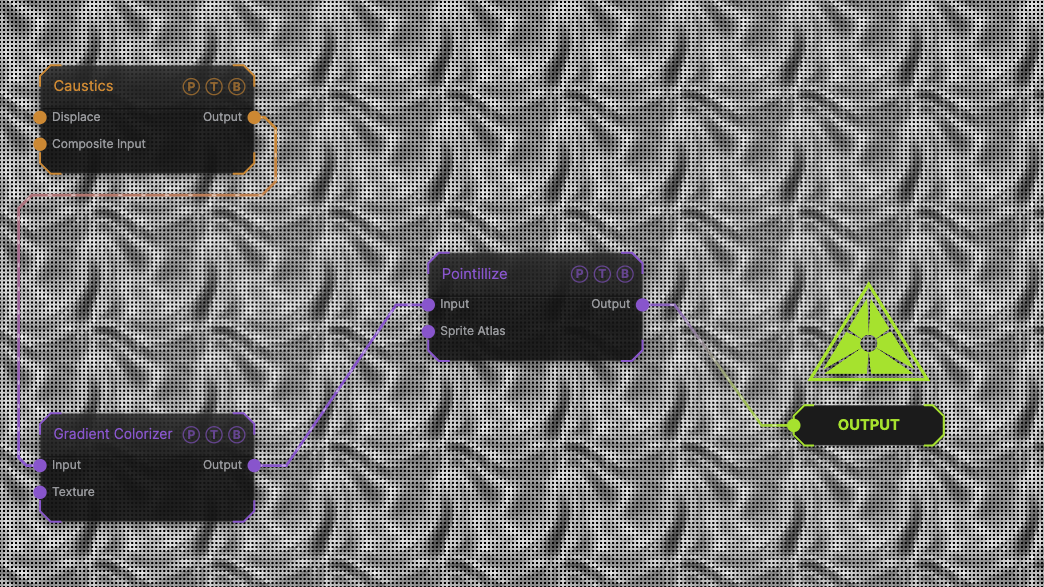
The image on the right is the example patch itself. Drag and drop it onto the app, or load it with File → Load, to open the full graph. A Caustics field, run through a Gradient Colorizer, as default discs.
Inputs and outputs
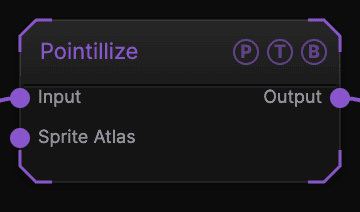
| Port | Type | Purpose |
|---|---|---|
| Input | Texture | The picture to sample. |
| Sprite Atlas | Texture | A texture used as the sprite sheet instead of the file picker. |
| Output | Texture | The result. |
Parameters
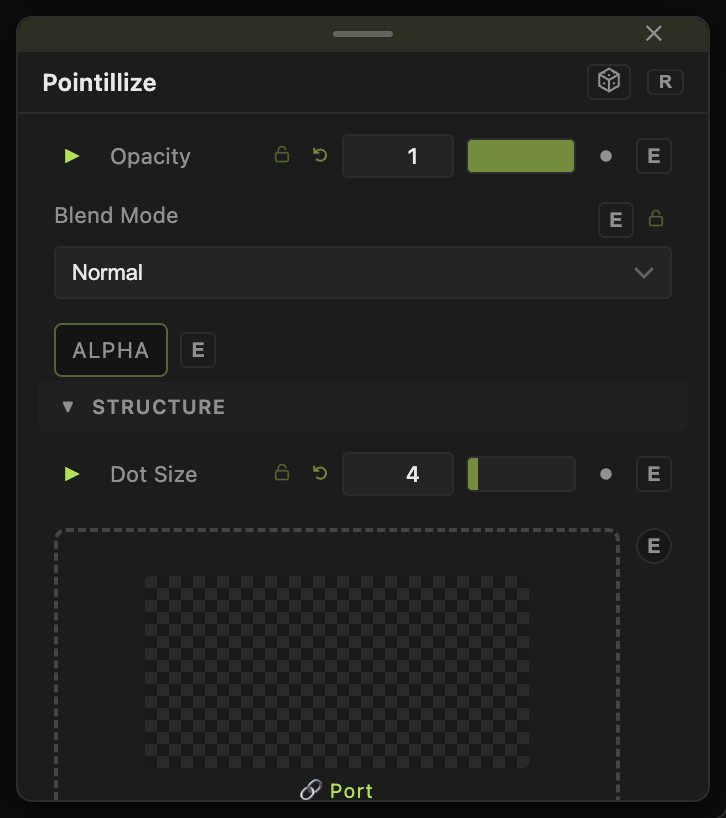
Opacity, Blend Mode, and Alpha are the standard operator header; see Parameters and Controls.
- Dot Size (1–32, default 4) — spacing of the grid.
- Sprite Mode — Default (Discs) or Sprite Sheet.
- Sprite Sheet — an image file, with Columns and Rows (1–64, default 4) describing its grid.
- Anim Speed (0–10, default 0) — cycles through the cells; Random Cycle picks cells at random.
- Scale Variation and Jitter (0–1, default 0) — per-dot size and position variation.
Every slider has a per-parameter animation bar, so it can be animated, audio driven, or MIDI mapped.
Examples
Emoji mosaic — Sprite Mode Sprite Sheet, a 4×4 sheet of glyphs, Random Cycle on.
Troubleshooting
Sprites are stretched — Columns and Rows do not match the sheet.