Kaleidoscope
Mirrors one wedge of the picture around the centre a number of times.
The Kaleidoscope node takes one angular wedge of the frame and reflects it around the centre, so any source becomes symmetrical.
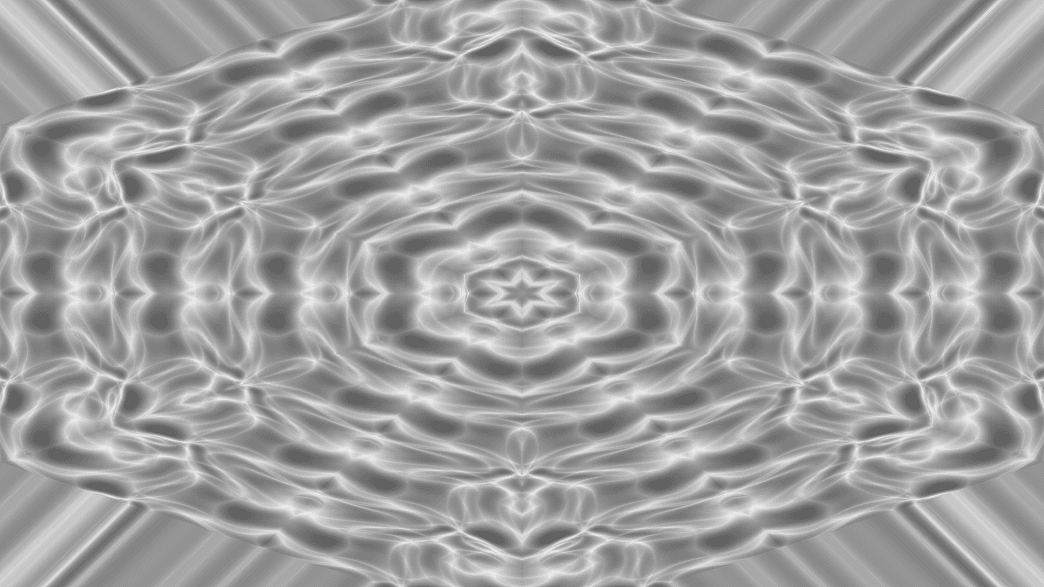
- Segments and Angle
- Found in the node graph under Post FX → Warp
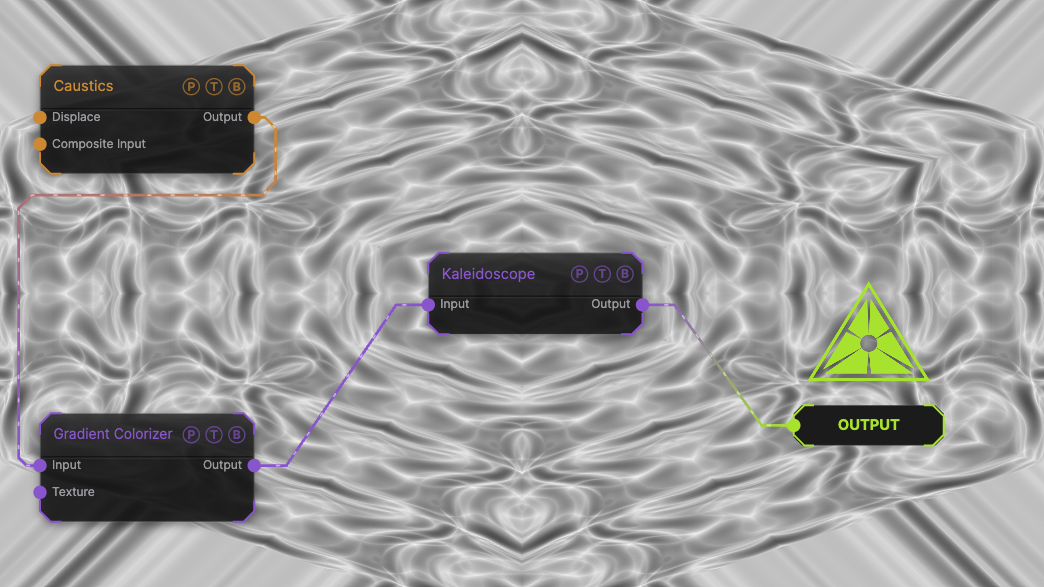
The image on the right is the example patch itself. Drag and drop it onto the app, or load it with File → Load, to open the full graph. A Caustics field, run through a Gradient Colorizer, mirrored into the default 6 segments.
Inputs and outputs
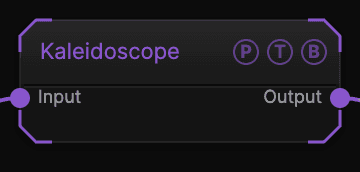
| Port | Type | Purpose |
|---|---|---|
| Input | Texture | The picture to process. |
| Output | Texture | The result. |
Parameters
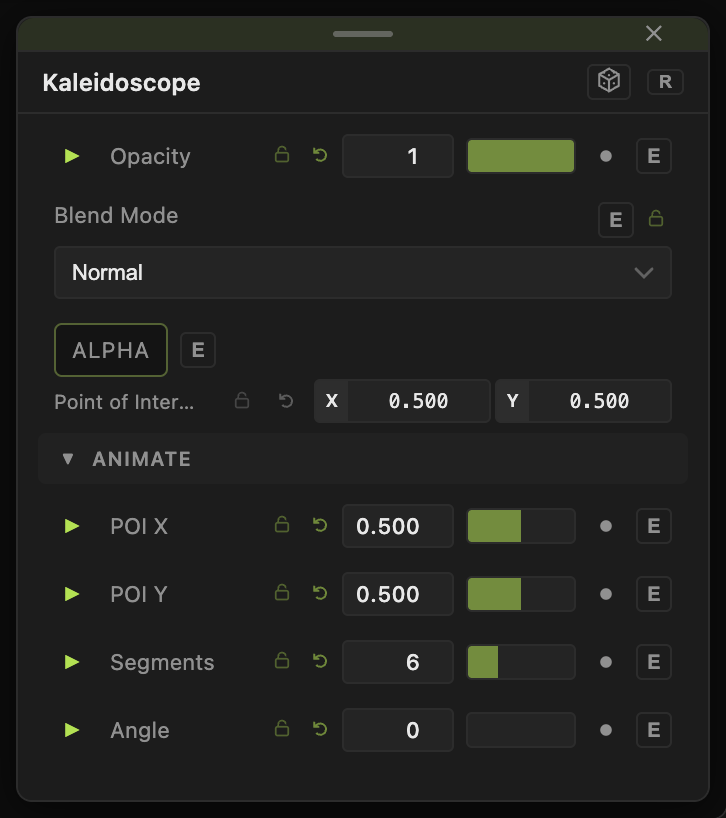
Opacity, Blend Mode, and Alpha are the standard operator header; see Parameters and Controls.
- Segments (2–16, default 6) — number of wedges around the centre.
- Angle (−180 to 180, default 0) — rotation of the source wedge. Animate it to scroll new source through the pattern.
Every slider has a per-parameter animation bar, so it can be animated, audio driven, or MIDI mapped.
Examples
Mandala — Segments 12 on a Worley generator with Angle on a slow Continuous modifier.
Troubleshooting
The centre looks pinched — that is where all wedges meet. Offset the source with Transform so a feature sits off-centre.