Escher Droste
A log-polar transform that recurses the picture into itself, with zoom, spiral, and an animated crawl.
The Escher Droste node maps the frame into a spiral of ever-smaller copies of itself. Animate it and the copies crawl inward for ever.
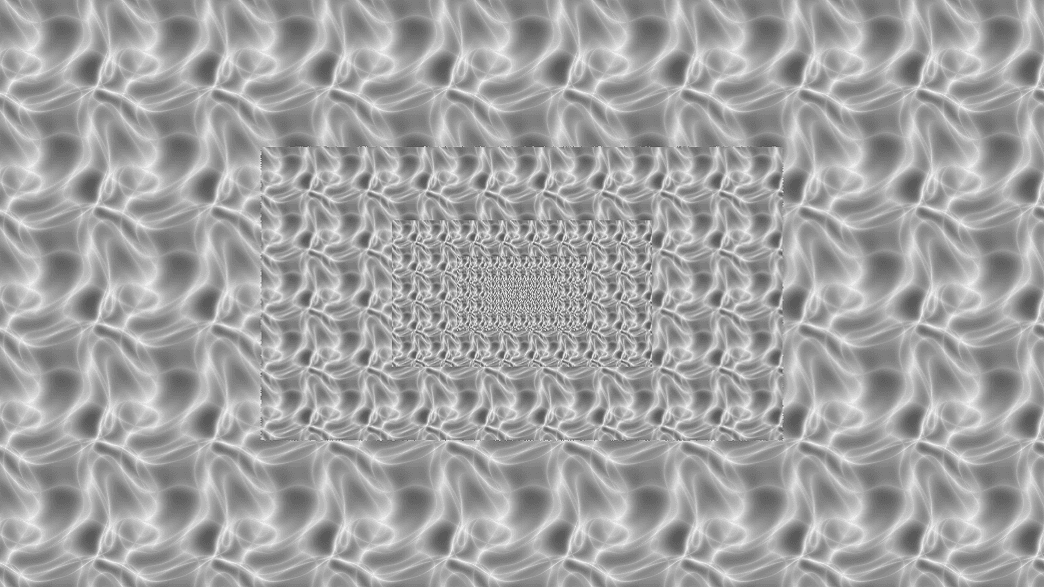
- Zoom, Frequency, Spiral, and Outer Ring shape the recursion
- Animation Speed drives the endless zoom
- Found in the node graph under Post FX → Warp
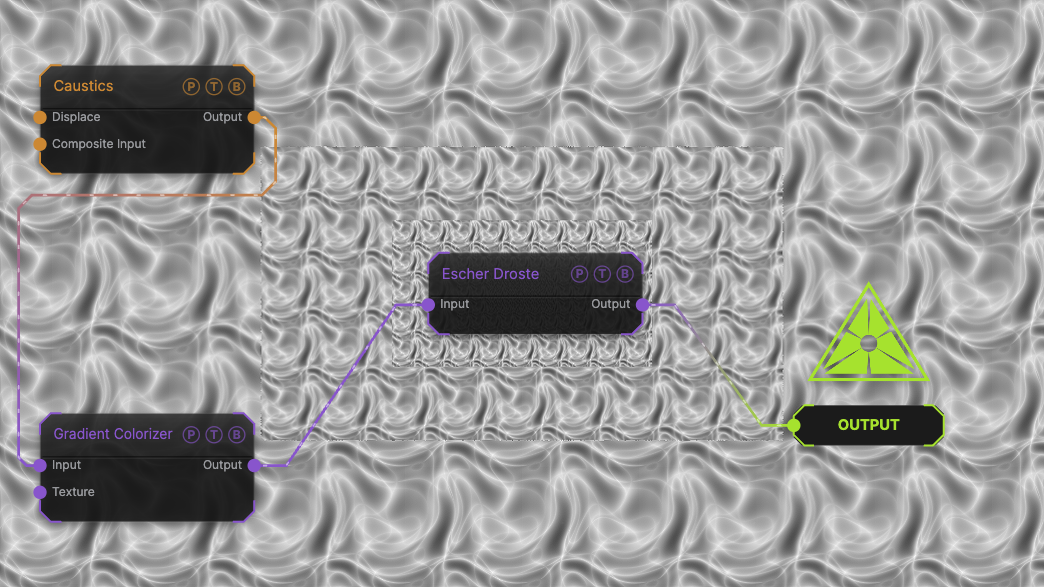
The image on the right is the example patch itself. Drag and drop it onto the app, or load it with File → Load, to open the full graph. A Caustics field, run through a Gradient Colorizer, at the default zoom of 2.
Inputs and outputs
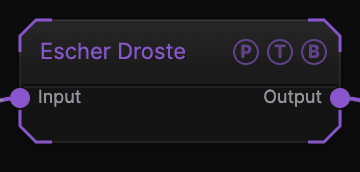
| Port | Type | Purpose |
|---|---|---|
| Input | Texture | The picture to process. |
| Output | Texture | The result. |
Parameters
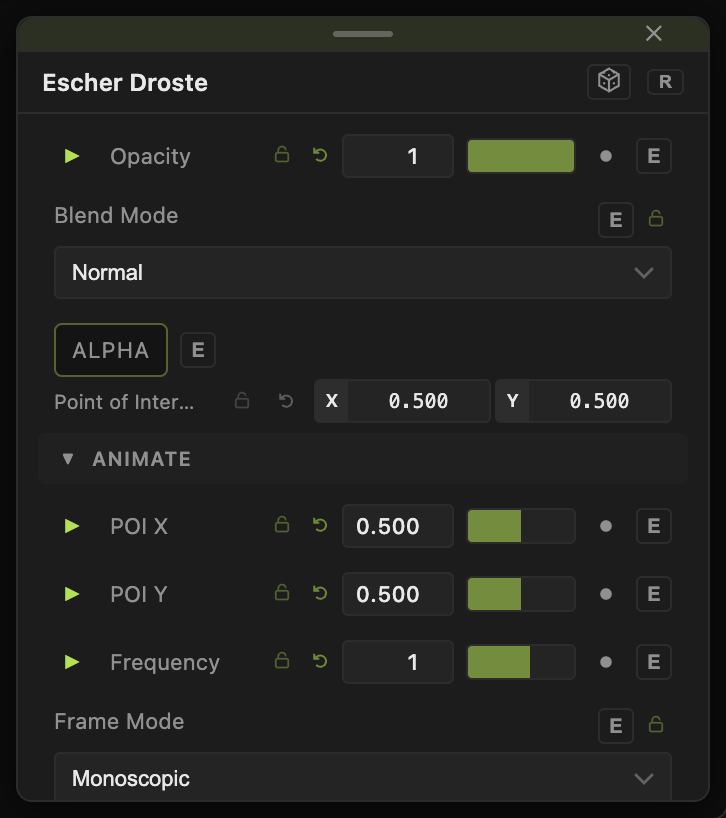
Opacity, Blend Mode, and Alpha are the standard operator header; see Parameters and Controls.
- Frame Mode — Mono (default) treats the frame as one picture; Stereo modes handle side-by-side or over-under stereo pairs so each eye is warped separately.
- Zoom (0.1–10, default 2) — size ratio between successive copies.
- Frequency (0.1–5, default 1) — how many copies around one turn.
- Spiral (0–3, default 0) — twist of the recursion. 0 is concentric rings.
- Outer Ring (0.1–1, default 1) — radius of the outermost copy.
- Animation Speed (0–2, default 0) — crawl rate.
- Center X, Center Y (−0.5 to 0.5, default 0) — where the recursion sits.
- Feather (0–10, default 0) — softens the seam between copies.
Every slider has a per-parameter animation bar, so it can be animated, audio driven, or MIDI mapped.
Examples
Classic Droste — Spiral 1, Animation Speed 0.3, Feather 2.
Troubleshooting
A seam shows between copies — raise Feather.
The crawl skips when I change Frequency — that was fixed; if it recurs, set Animation Speed to 0 and back.