Auragen docs
Auragen docs

Getting Started

OverviewInterfaceNode GraphParameters and Controls

Operators

Surfaces

Geometry

PrimitiveMeshImage PlaneExtrude3D GraphReflectorKinect MeshMergeNullCopy GeometryRealizeSwitch (Surface)

Materials

MaterialGlass MaterialBlend MaterialsMapping

Deformers

Transform DeformerNoise DisplaceTexture DisplaceCurl NoiseTurbulence3D PlasmaTwistBendTaperShearWave / RippleRipple (Expanding)SineOcean WaveInflateSpherifyBulgeFlatten (Plain)PushQuantizeDistortion / GlitchBevelMirrorSliceCullColor RampParticle DeformerAudio (FFT)InfectionIsland ClonerCloth Deformer

Physics

Force Affector

Topology

SubdivideSmoothDecimateRemeshBooleanClose HolesExtrude FacesSeparate FacesWireframeFlip Polygons

Lighting

LightSpotlightDirectional LightArea LightEnvironment

Camera

CameraMulticamUV Camera
3D PreviewperformMODE
3D & SimulationSurface Operators

3D Graph

Rebuilds the node graph itself as extruded geometry with tube wires.

The 3D Graph node turns the patch you are editing into a mesh: cards as extruded slabs, wires as tubes.
3D Graph

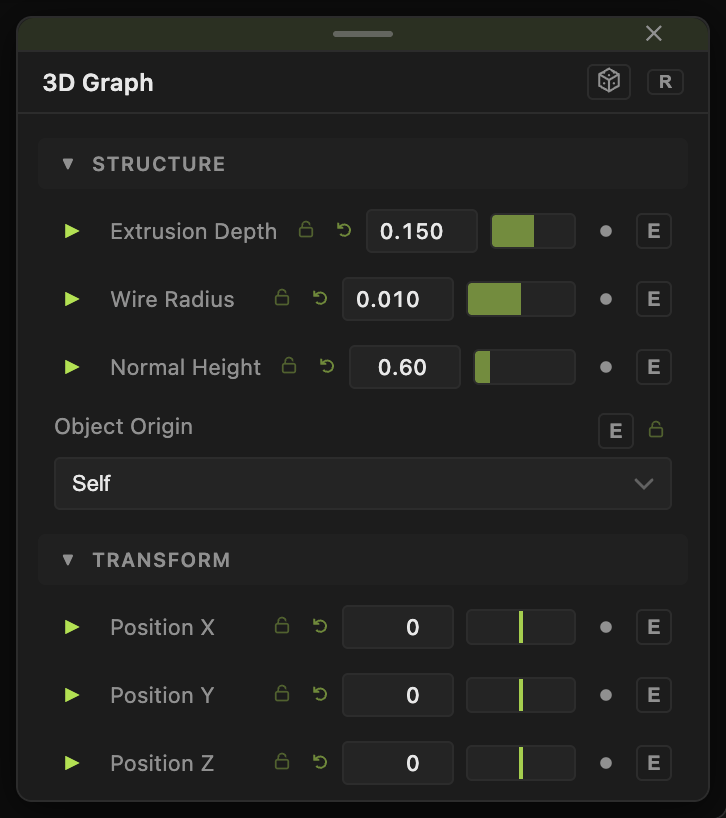
  • Extrusion Depth, Wire Radius, Normal Height
  • Found in the node graph under Surfaces → Geometry
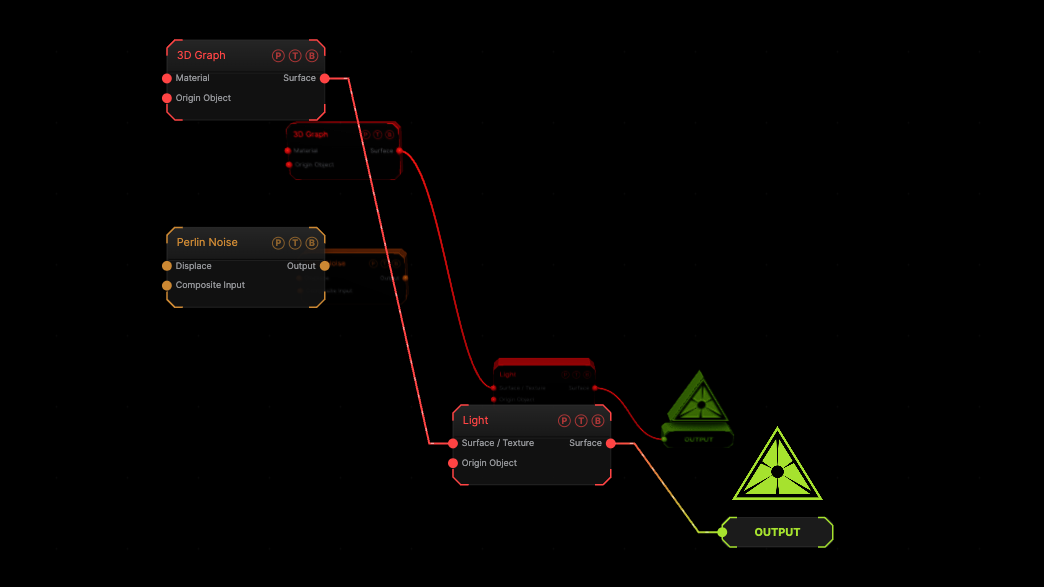
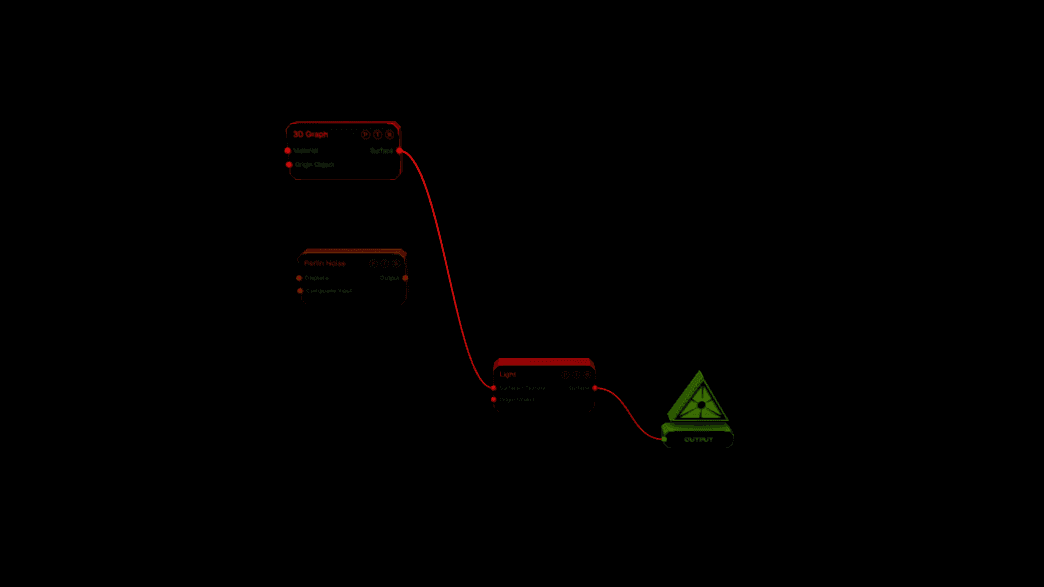
Example patch — drag onto the app to load

The image on the right is the example patch itself. Drag and drop it onto the app, or load it with File → Load, to open the full graph. The graph containing the node itself.

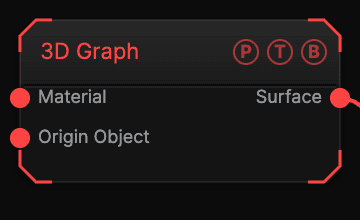
Inputs and outputs
3D Graph node

PortTypePurpose
MaterialSurfaceA Material for the geometry.
SurfaceSurfaceThe graph as a mesh.

Parameters

3D Graph parameters
  • Extrusion Depth (0.01–2, default 0.15).
  • Wire Radius (0.001–0.1, default 0.01).
  • Normal Height (0–4, default 0.6).
  • Position X / Y / Z, Rotate Heading / Pitch / Roll, Scale X / Y / Z, Uniform Scale — the standard transform block.

Every slider has a per-parameter animation bar, so it can be animated, audio driven, or MIDI mapped.

Examples

Self portrait — this node with a Glass Material and an Environment.

Troubleshooting

The mesh is empty — the graph has no other nodes yet.

Related

Surfaces overview

The family.

Extrude

Turns a Vectorizer's paths into an extruded mesh with bevels.

Reflector

A planar mirror that re-renders the scene from a mirrored camera.

On this page

Inputs and outputsParametersExamplesTroubleshootingRelated