3D & SimulationSurface Operators
Primitive
Fourteen parametric shapes, from sphere and box to torus knot and the platonic solids, with subdivision and bevel controls.
The Primitive node is the basic mesh. Pick a Shape, set its dimensions, and add subdivision when a deformer needs more vertices.
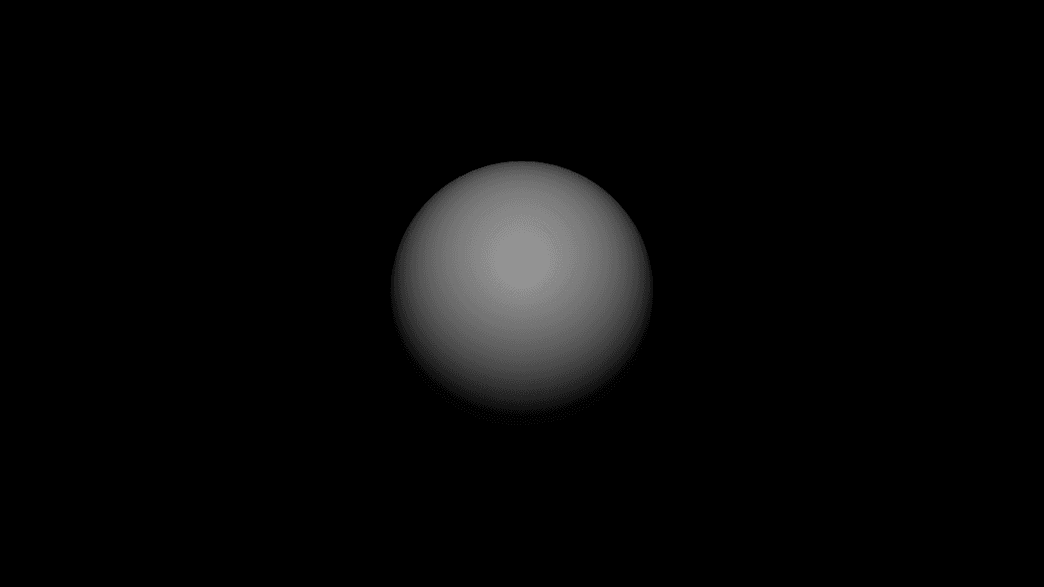
- Shape: Sphere, Box, Plane, Torus, Cylinder, Cone, Capsule, Torus Knot, Disc, Ring, Tetrahedron, Octahedron, Dodecahedron, Icosahedron
- Subdivision, Detail, and per-shape dimensions; Bevel on the box
- Found in the node graph under Surfaces → Geometry
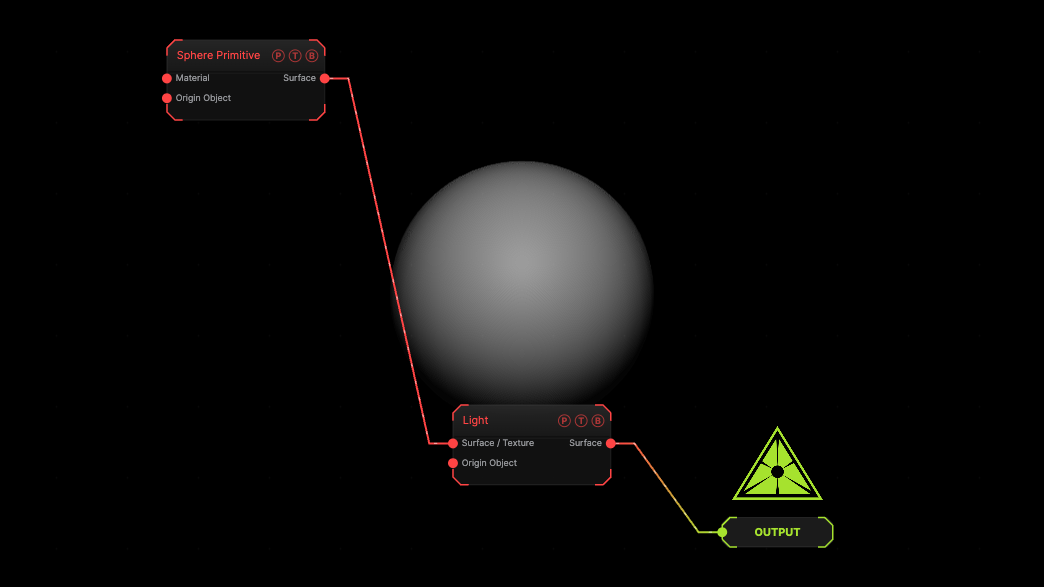
The image on the right is the example patch itself. Drag and drop it onto the app, or load it with File → Load, to open the full graph. A default sphere under a Light.
Inputs and outputs
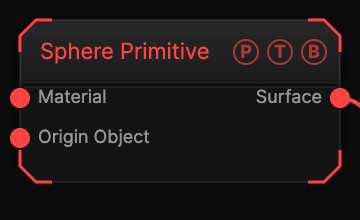
| Port | Type | Purpose |
|---|---|---|
| Material | Surface | A Material, Glass Material, or SDF Material. |
| Origin Object | Surface | A Null to parent to. |
| Surface | Surface | The mesh. |
Parameters
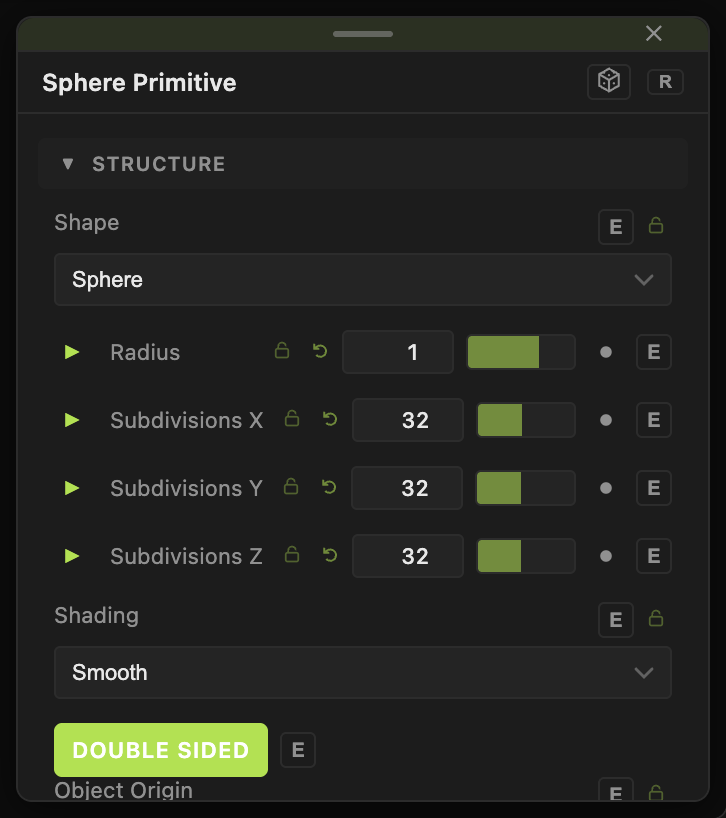
- Shape — default Sphere.
- Radius (0.01–10, default 1), Detail (0–16), Subdivision (0–6, default 0).
- Width / Height / Depth (default 1) for Box, with Quad Polygons (default on), Bevel (0–1), Bevel Style (Chamfer or Round), Bevel Segments (1–8).
- Plane Width / Height (default 2); Torus Radius (default 0.8), Tube Radius (default 0.32), Arc° (default 360); Knot P / Q (default 2 / 3); Cylinder and Cone Radius Top / Bottom, Height (default 1.6), Capped; Capsule Length; Ring Outer Radius, Height (Extrude).
- Subdivisions X / Y / Z (1–2048, default 32) — the base mesh density.
- Shading — Smooth (default) or Flat; Double Sided (default on).
- Position X / Y / Z, Rotate Heading / Pitch / Roll, Scale X / Y / Z, Uniform Scale — the standard transform block.
Every slider has a per-parameter animation bar, so it can be animated, audio driven, or MIDI mapped.
Examples
Open tube — Shape Torus, Arc° 270; cap it with Close Holes.
Troubleshooting
A deformer does nothing — the mesh has too few vertices. Raise Subdivision.