3D & SimulationSurface Operators
Separate Faces
Detaches each face and moves it along its normal.
The Separate Faces node splits the mesh into individual faces, offset and shrunk.
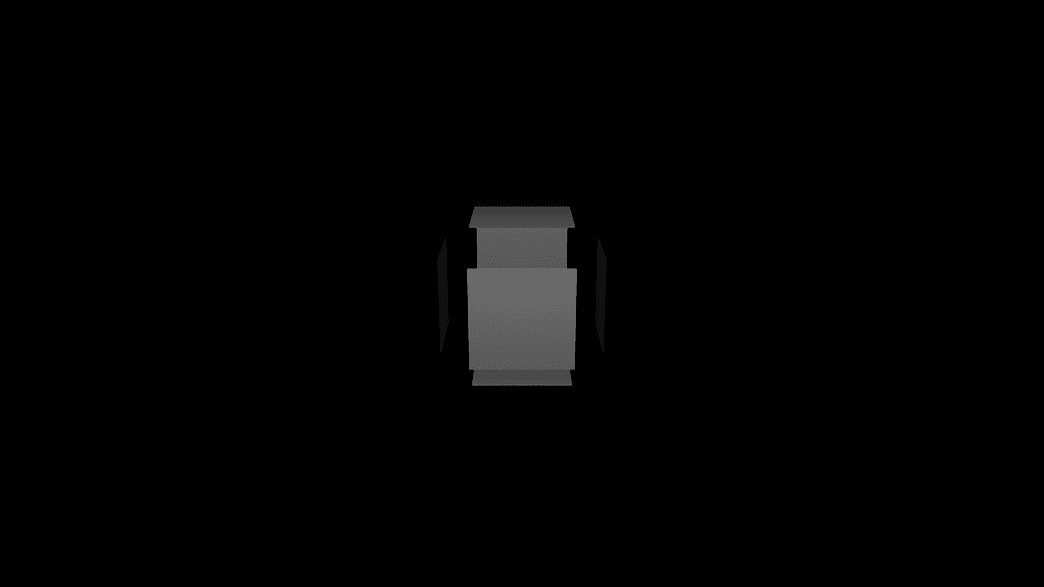
- Offset and Face Contraction
- Found in the node graph under Surfaces → Topology
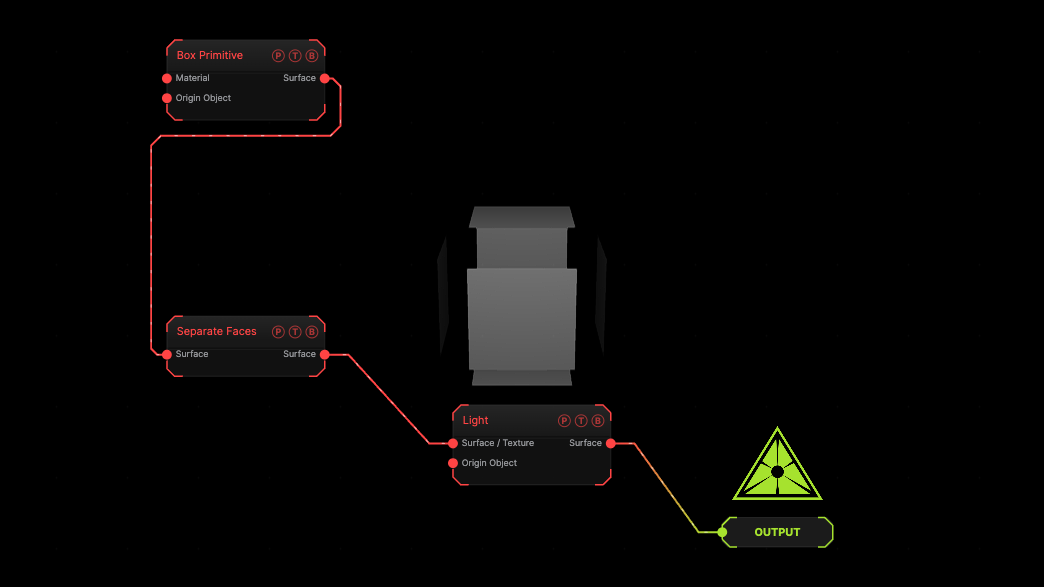
The image on the right is the example patch itself. Drag and drop it onto the app, or load it with File → Load, to open the full graph. A box exploded into its faces.
Inputs and outputs
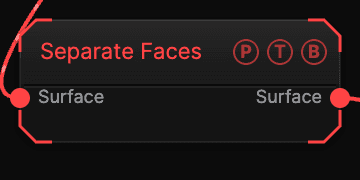
| Port | Type | Purpose |
|---|---|---|
| Surface | Surface | The mesh. |
| Surface | Surface | The result. |
Parameters
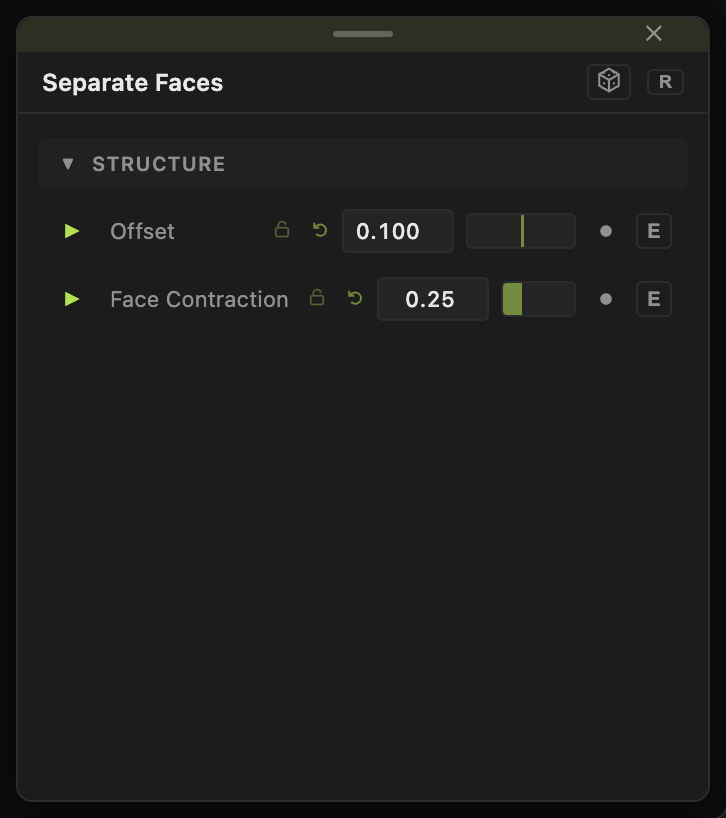
- Offset (−2 to 2, default 0.1), Face Contraction (0–0.95, default 0.25).
Every slider has a per-parameter animation bar, so it can be animated, audio driven, or MIDI mapped.
Examples
Shatter look — a subdivided Sphere, Offset 0.3 driven by a Sound modifier.
Troubleshooting
The mesh looks unchanged — Face Contraction 0 and Offset 0 leave it whole.