3D & SimulationSurface Operators
Environment
Image-based lighting from an HDRI, a wired image, or the built-in studio, with an optional skybox and a sun shadow.
The Environment node lights the scene from all around. Its sun casts a shadow you aim with the Sun Rotation controls.
- Source priority: wired Image, then the file, then the built-in studio
- Show Skybox, Env Intensity, rotation
- Cast Shadows with Sun Direction auto or manual
- Found in the node graph under Surfaces → Lighting
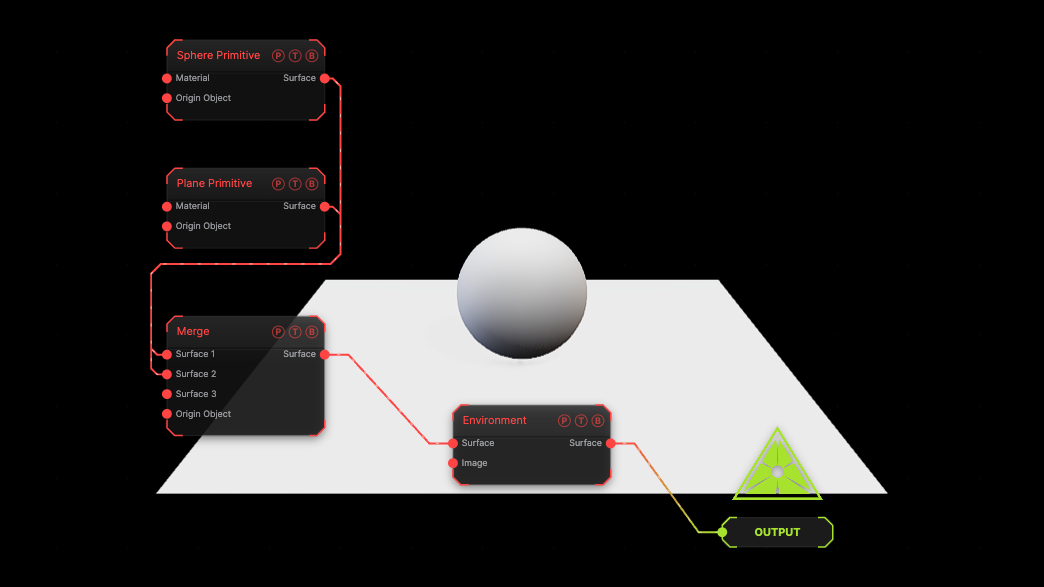
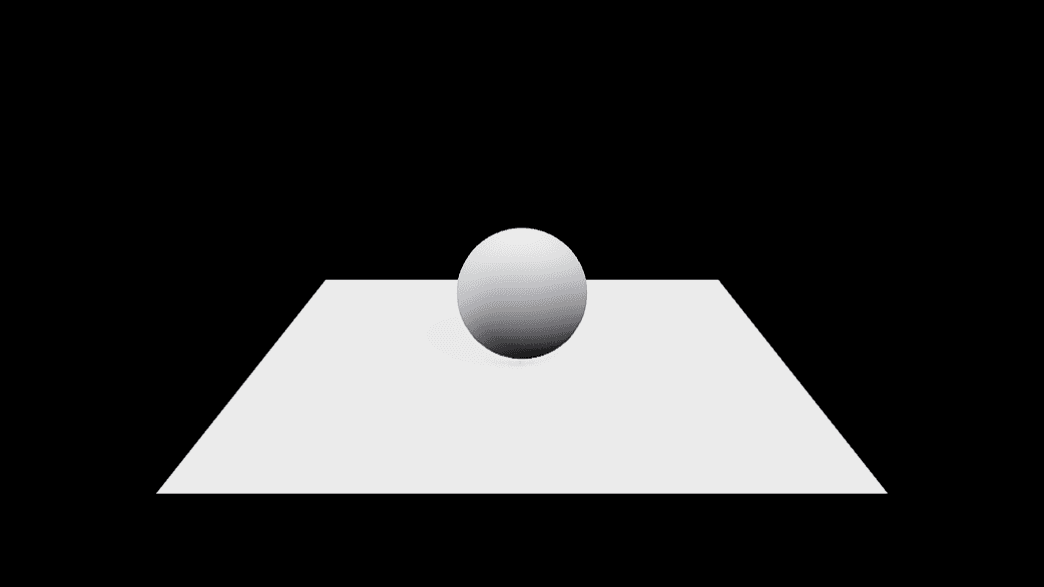
The image on the right is the example patch itself. Drag and drop it onto the app, or load it with File → Load, to open the full graph. A sphere on a plane lit by the built-in studio.
Inputs and outputs
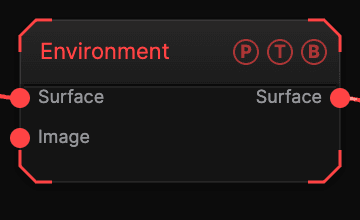
| Port | Type | Purpose |
|---|---|---|
| Surface | Surface | The chain. |
| Image | Texture | Any texture as the environment. |
| Surface | Surface | The chain with the environment. |
Parameters
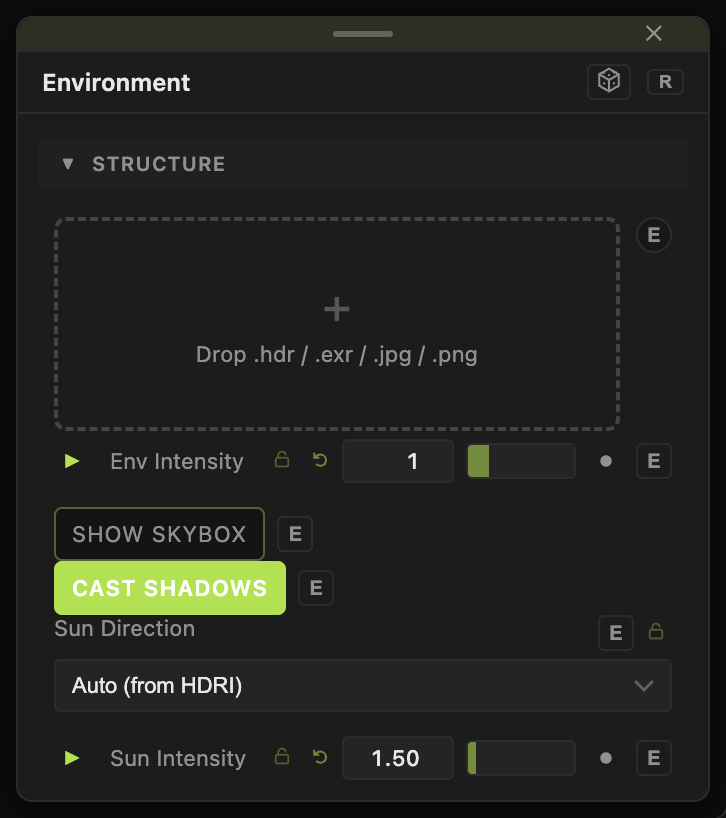
- HDRI (.hdr / .exr / image — empty = built-in GI).
- Env Intensity (0–5, default 1), Rotation X / Y / Z, Show Skybox (default off), Background Brightness.
- Cast Shadows (default on), Sun Direction (Auto (from HDRI) default or Manual), Sun Intensity (default 1.5), Sun Dir X / Y / Z, Sun Rotation X / Y / Z.
Every slider has a per-parameter animation bar, so it can be animated, audio driven, or MIDI mapped.
Examples
Overcast — no file, Env Intensity 1.5, Sun Intensity 0.3.
Troubleshooting
The skybox is bright but the model is dark — raise Env Intensity; Background Brightness only affects the backdrop.