3D & SimulationSurface Operators
Multicam
Five camera slots on hotkeys 2 to 6 with a smoothed flight between them.
The Multicam node cuts between surface cameras. Press 2 to 6; 1 is the free viewport.
- Active Camera is a normal parameter
- Smoothing, Smooth Amount, Smooth Speed
- Found in the node graph under Surfaces → Camera
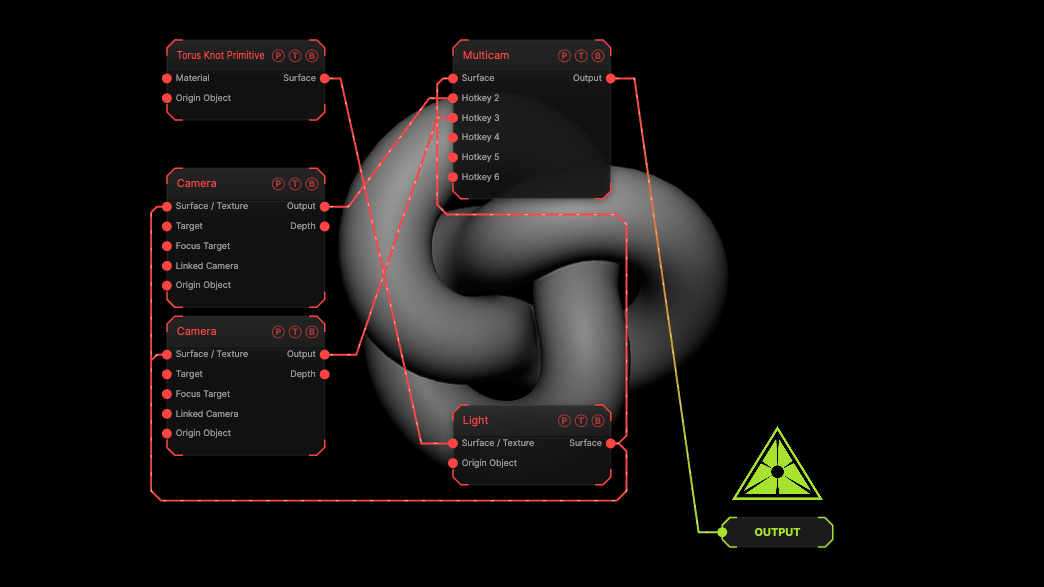
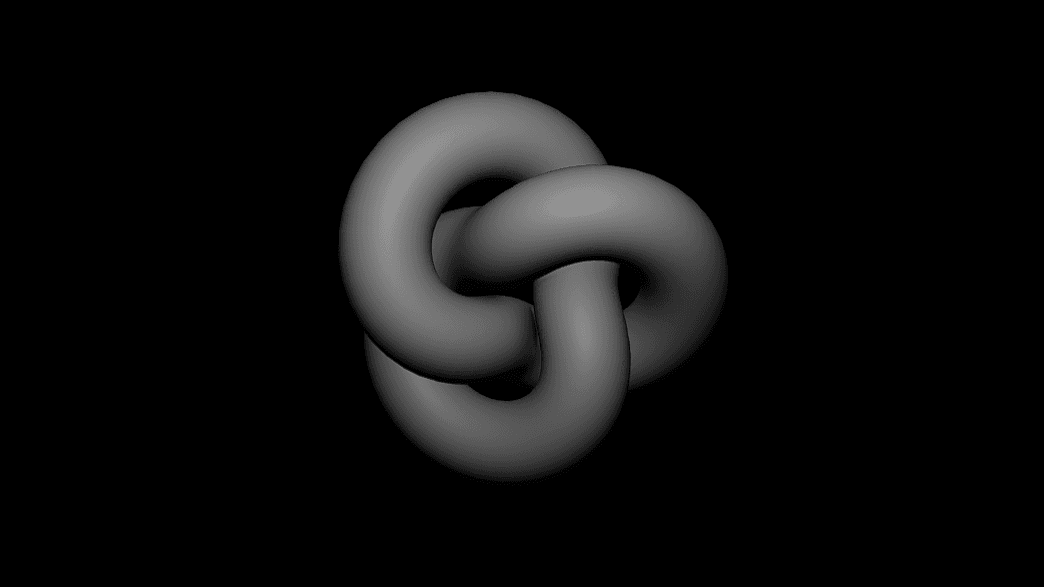
The image on the right is the example patch itself. Drag and drop it onto the app, or load it with File → Load, to open the full graph. Two cameras on a torus knot.
Inputs and outputs
| Port | Type | Purpose |
|---|---|---|
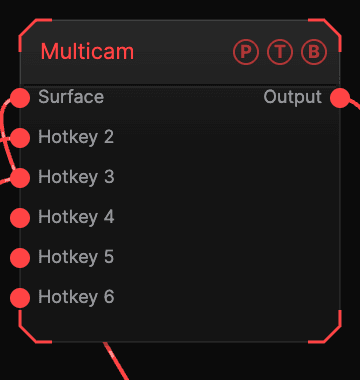
| Surface | Surface | The scene chain. |
| Hotkey 2 … 6 | Surface | One Camera per slot. |
| Output | Texture | The active camera's frame. |
Parameters
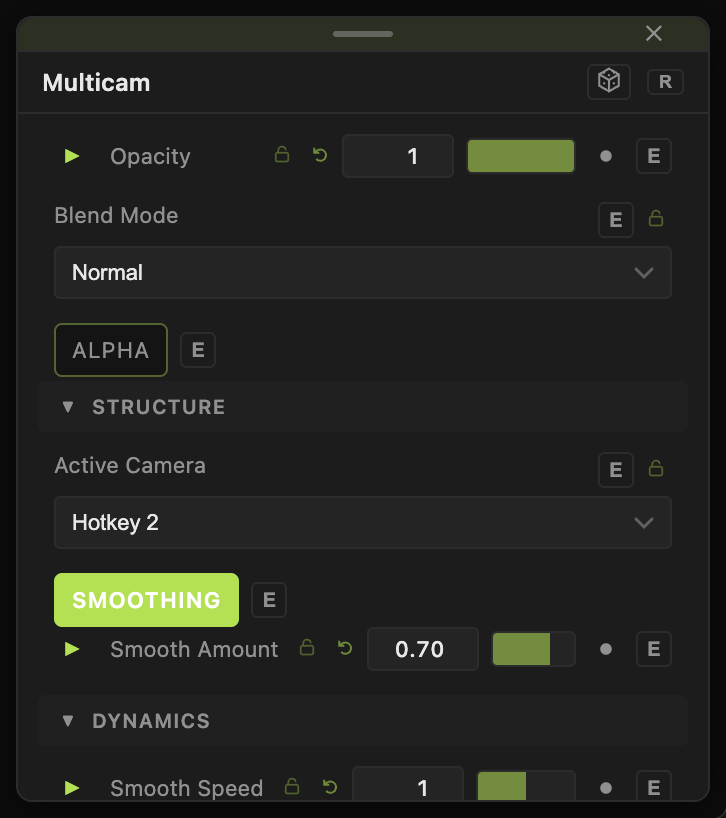
- Active Camera — Hotkey 1 — Viewport, Hotkey 2 (default) to Hotkey 6.
- Smoothing (default on), Smooth Amount (default 0.7), Smooth Speed (default 1).
Every slider has a per-parameter animation bar, so it can be animated, audio driven, or MIDI mapped.
Examples
Live cut — map Active Camera to MIDI pads.
Troubleshooting
The keys do nothing — click the viewport first; the keys are the top-row digits.