3D & SimulationSurface Operators
UV Camera
Draws the mesh's UV unwrap filled with the material's base colour map.
The UV Camera node renders the UV layout instead of the scene. It bypasses deformers and lights.
- Zoom and Flip Vertical
- Found in the node graph under Surfaces → Camera
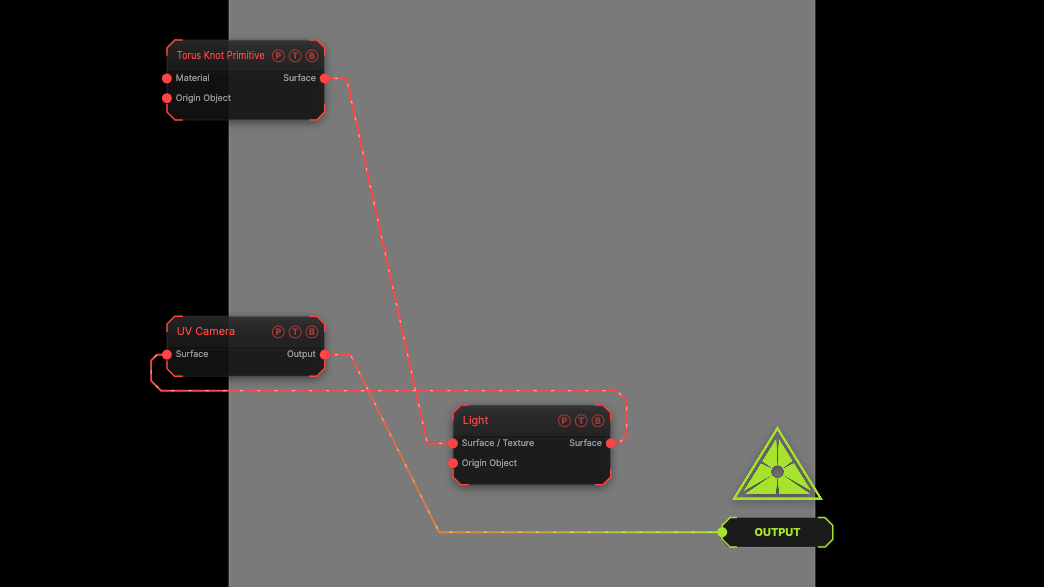
The image on the right is the example patch itself. Drag and drop it onto the app, or load it with File → Load, to open the full graph. The UV unwrap of a torus knot.
Inputs and outputs
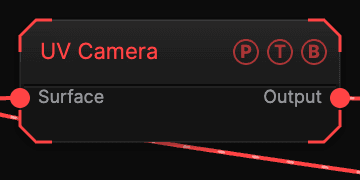
| Port | Type | Purpose |
|---|---|---|
| Surface | Surface | The mesh. |
| Output | Texture | The unwrap. |
Parameters
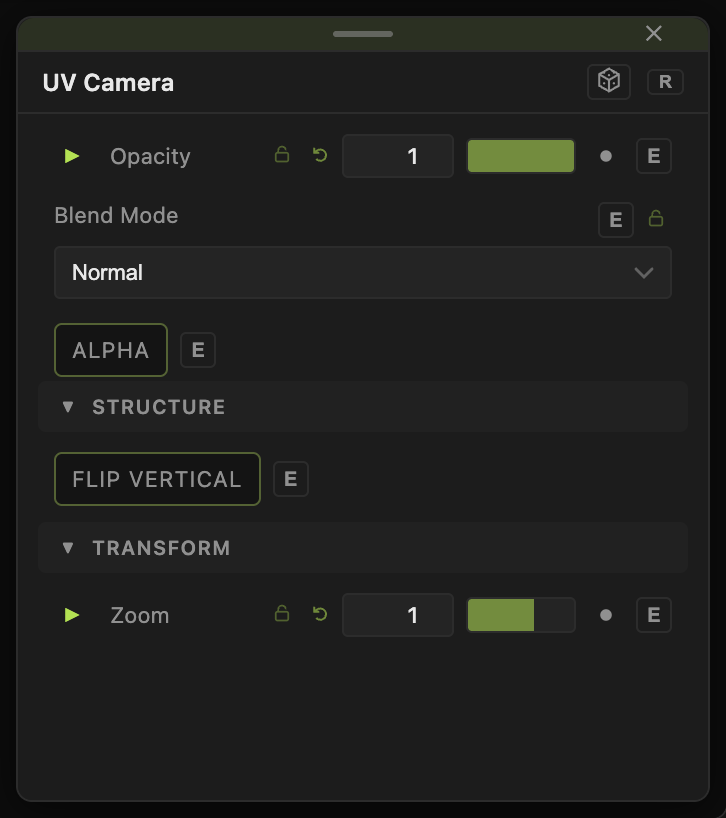
- Zoom (0.1–4, default 1), Flip Vertical (default off).
Every slider has a per-parameter animation bar, so it can be animated, audio driven, or MIDI mapped.
Examples
Paint in 2D — UV Camera out to a texture chain, back in through a Material's Diffuse Color.
Troubleshooting
It is black — the mesh has no UVs, or no colour map.