3D & SimulationSurface Operators
Noise Displace
Displaces along the normals by animated 3D noise in nine flavours.
The Noise Displace deformer pushes vertices in and out with noise that evolves over time.
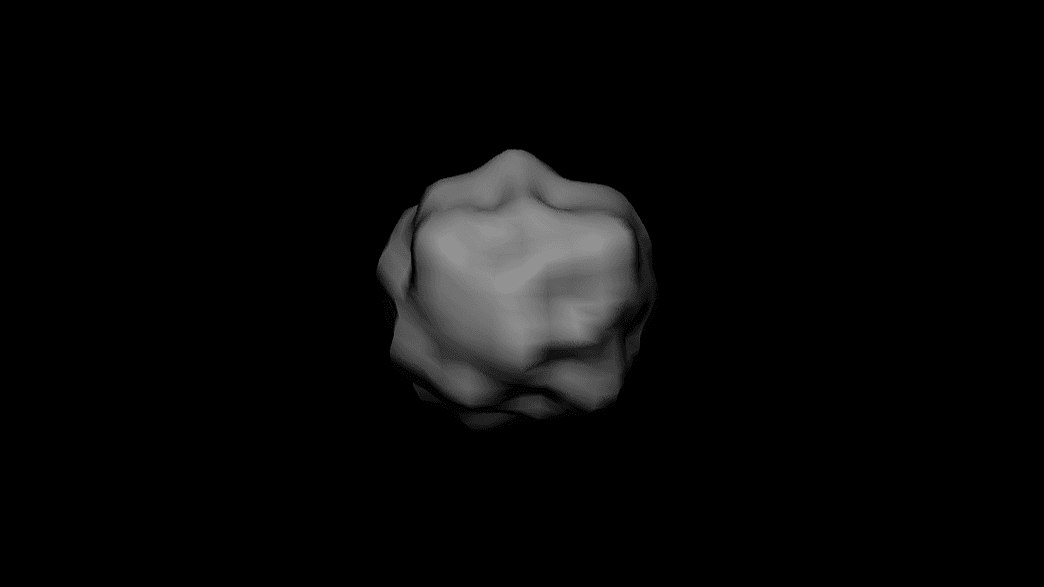
- Noise type, Amount, Scale
- Shared 4D animation, pan, and shaping controls
- Found in the node graph under Surfaces → Deformers
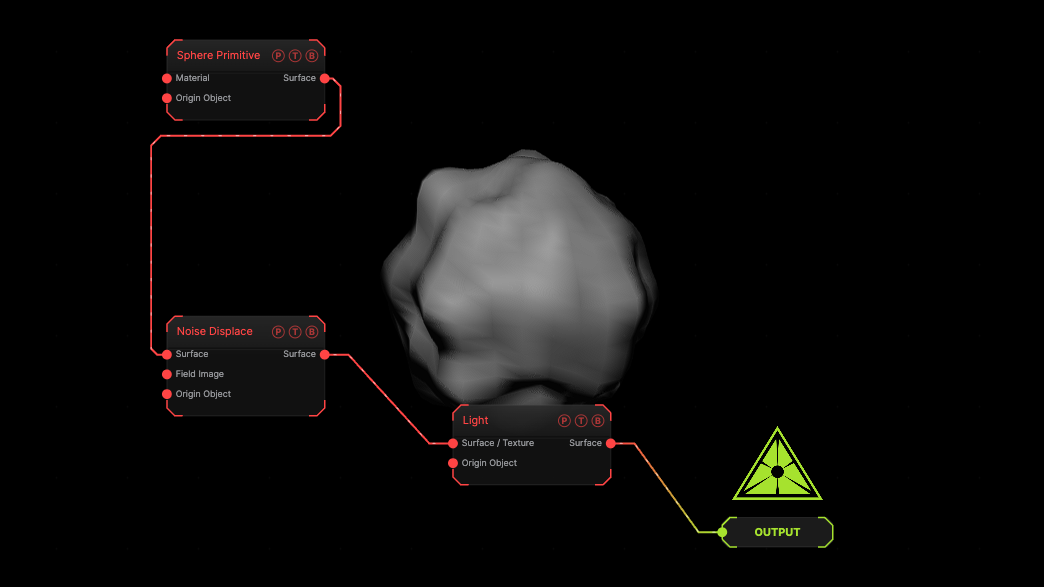
The image on the right is the example patch itself. Drag and drop it onto the app, or load it with File → Load, to open the full graph. A subdivided sphere with the deformer at its defaults, under a Light.
Inputs and outputs
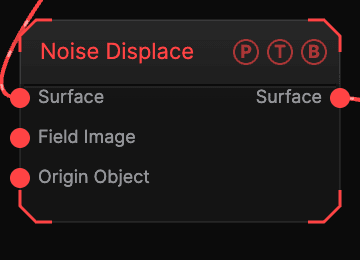
| Port | Type | Purpose |
|---|---|---|
| Surface | Surface | The mesh to deform. |
| Field Image | Texture | A texture read by the Image field shape. |
| Origin Object | Surface | A Null to parent to. |
| Surface | Surface | The deformed mesh. |
Parameters
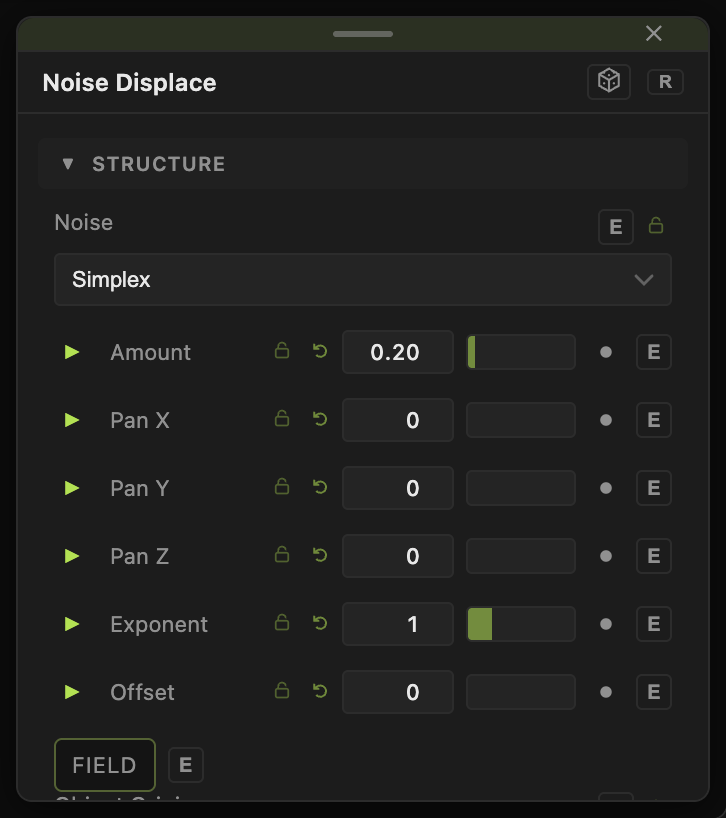
- Noise — Simplex (default), FBM, Ridge, Billow, Cellular (F1), Cellular (F2), Cellular (Edges), Stepped, Terraced.
- Amount (0–3, default 0.2), Scale (0.05–12, default 1.5).
- Animation Speed (0–5, default 0.5), Pan X / Y / Z (−20 to 20).
- Harmonics (1–8), Roughness (0–1, default 0.5), Spread (1–4, default 2), Exponent (0.1–4, default 1), Offset (−1 to 1, default 0).
- Jitter (0–1, default 1) for the cellular types; Bands (1–16, default 4) for Stepped and Terraced.
Field
- Field (default off) — limits the deformer to a region. Field Shape (Sphere, Box, Plane, Image), Field Size, Falloff, Inner Radius, Invert Field, Field Follows Mouse, Image Channel, and the Field Position / Heading / Pitch / Roll / Scale block.
- Position X / Y / Z, Rotate Heading / Pitch / Roll, Scale X / Y / Z, Uniform Scale — the deformer's own frame, which sets its axis.
Every slider has a per-parameter animation bar, so it can be animated, audio driven, or MIDI mapped.
Examples
Rock — Noise Ridge, Amount 0.4, Harmonics 5 on a sphere with Subdivision 4.
Troubleshooting
It does nothing — the wire must land on the main Surface input, not a side port, and the mesh needs enough vertices. Raise the Primitive's Subdivision.