3D & SimulationSurface Operators
Material
PBR shading for everything downstream, with texture map slots, emissive GI, rim light, and an edge-blend measure.
The Material node shades the geometry that flows through it, or the mesh whose Material port it is wired into.
- Diffuse Color, Metalness, Roughness, Specular, Emissive
- Map inputs for colour, roughness, metallic, normal, AO, emissive, specular, bump, and alpha
- Rim Light and Edge Blend extras
- Found in the node graph under Surfaces → Materials
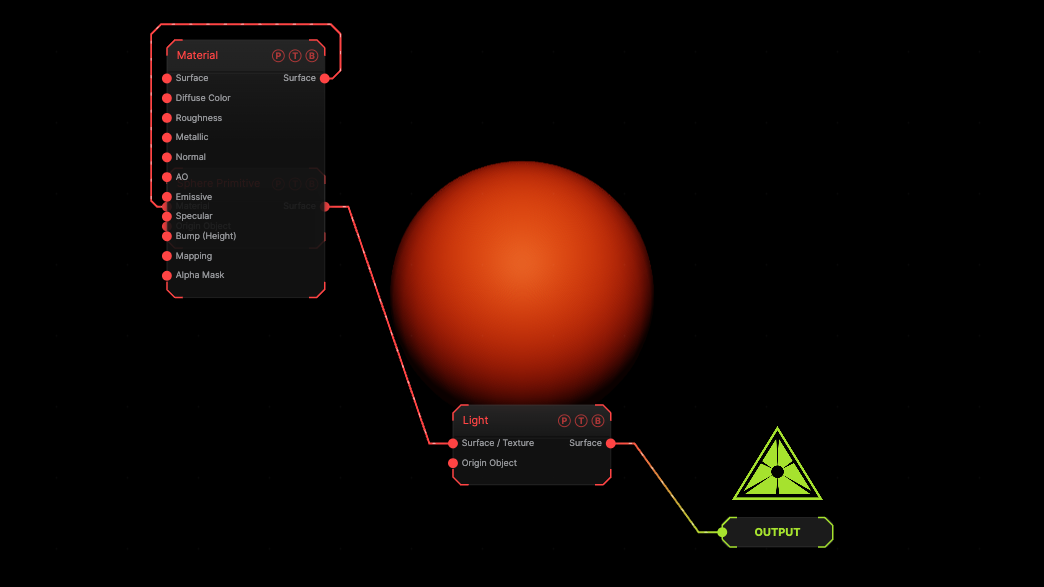
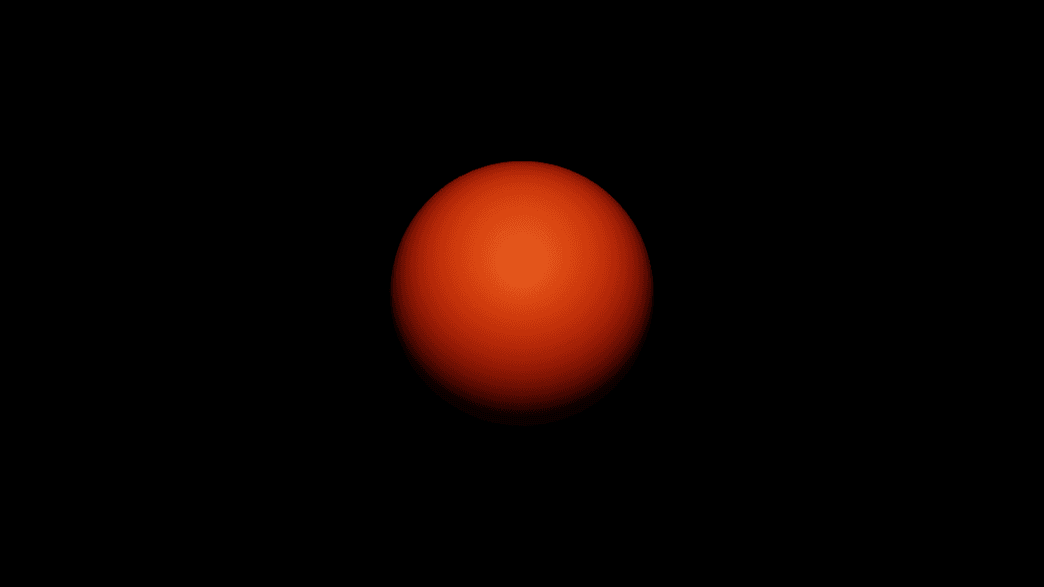
The image on the right is the example patch itself. Drag and drop it onto the app, or load it with File → Load, to open the full graph. An orange material on a sphere.
Inputs and outputs
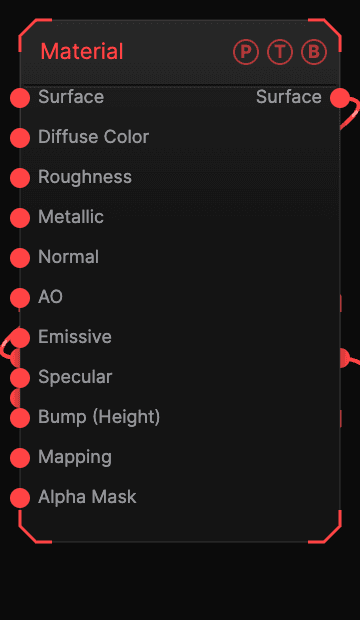
| Port | Type | Purpose |
|---|---|---|
| Surface | Surface | Geometry flowing through. |
| Diffuse Color | Texture | Colour map. |
| Roughness | Texture | |
| Metallic | Texture | |
| Normal | Texture | |
| AO | Texture | |
| Emissive | Texture | |
| Specular | Texture | |
| Bump (Height) | Texture | Composed over the Normal map. |
| Mapping | Surface | A Mapping node. |
| Edge Material | Surface | A material for the Edge Blend region. |
| Alpha Mask | Texture | |
| Surface | Surface | Shaded geometry. |
Parameters
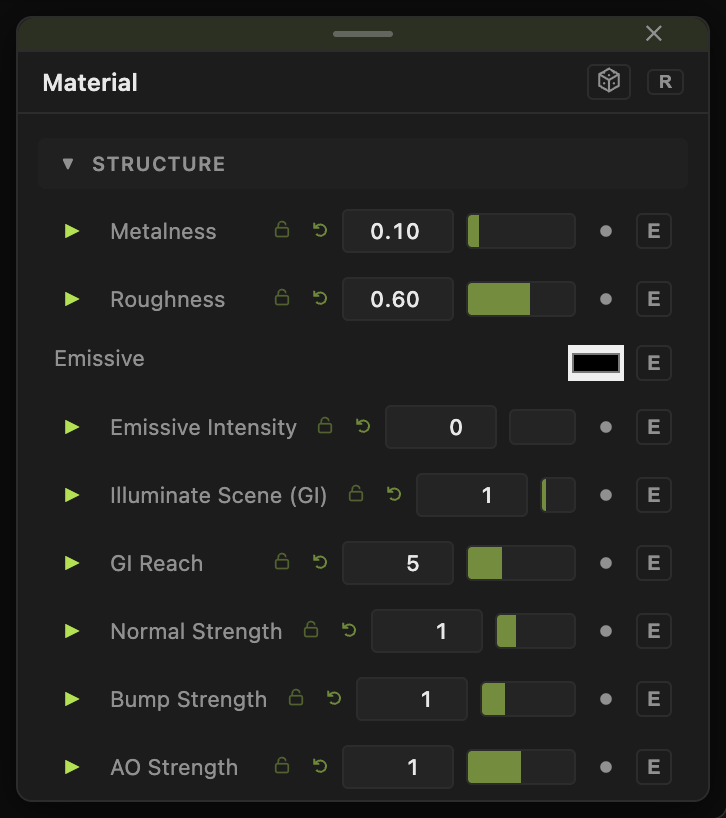
- Diffuse Color (default
#b8b8b8), Vertex Color (default off), Metalness (default 0.1), Roughness (default 0.6), Specular (default 0.5), Specular Color. - Emissive, Emissive Intensity (0–8), Emissive From Diffuse Color, Illuminate Scene (GI) (default 1), GI Reach (default 5).
- Normal Strength, Bump Strength, AO Strength.
- Opacity (default 1), Alpha Mask Mode (Cutout or Soft), Alpha Cutoff, Sides (Double, Front, Back), Wireframe, Flat Shading.
- Diffuse Lighting and Specular Lighting weights (default 1).
- Rim Light with Rim Color and Rim Intensity.
- Edge Blend with Edge Amount, Edge Find (Both, Creases, Ridges), Edge Radius, Edge Range Start / End, Edge Bias, Edge Smoothing, Edge Contrast, Edge Pivot, Edge Gain — blends to the Edge Material along creases or ridges.
Every slider has a per-parameter animation bar, so it can be animated, audio driven, or MIDI mapped.
Examples
Worn edges — Edge Blend on with a bright Edge Material, Edge Find Ridges.
Troubleshooting
The material has no effect on a loaded model — rigged and animated models keep their own materials.