3D & SimulationSurface Operators
Force Affector
A chainable force field — directional, repel, attract, vortex, turbulence, or wind — for the Cloth Deformer.
The Force Affector does nothing on its own. Wire it into a Cloth Deformer's Force Affectors input.
- Mode, Amount, Radius, Randomness
- Direction, gust, turbulence, and vortex controls per mode
- Found in the node graph under Surfaces → Physics
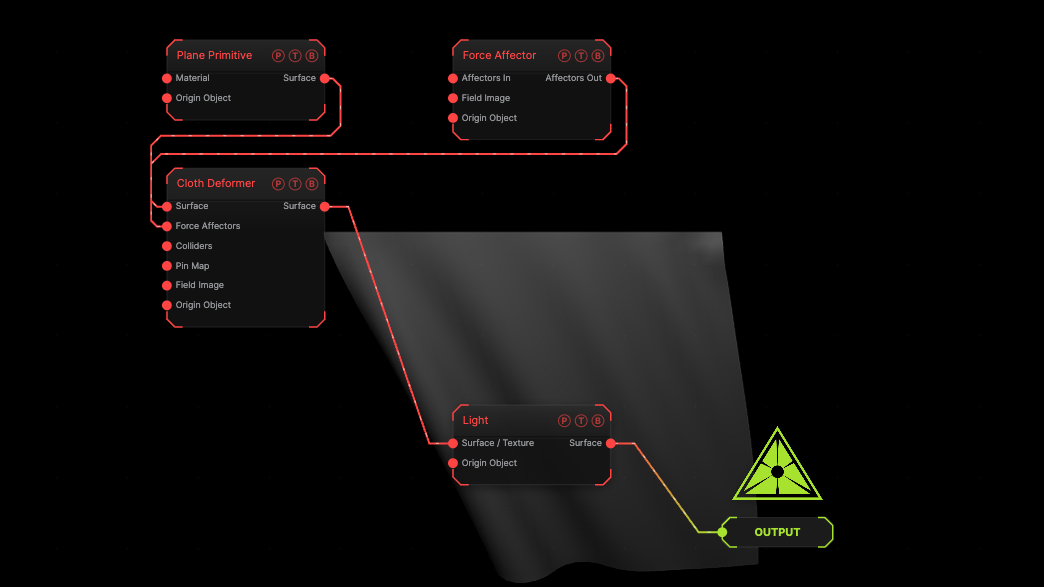
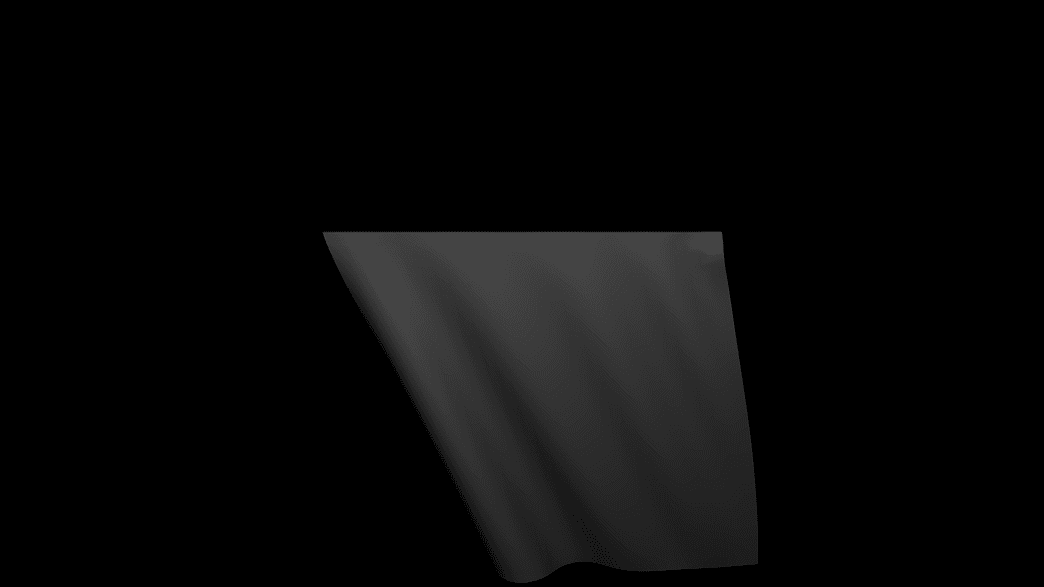
The image on the right is the example patch itself. Drag and drop it onto the app, or load it with File → Load, to open the full graph. A directional force on a hanging cloth.
Inputs and outputs
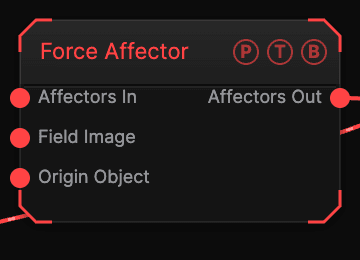
| Port | Type | Purpose |
|---|---|---|
| Affectors In | Surface | Chain from another Force Affector. |
| Affectors Out | Surface | Wire into the Cloth Deformer's Force Affectors port. |
Parameters
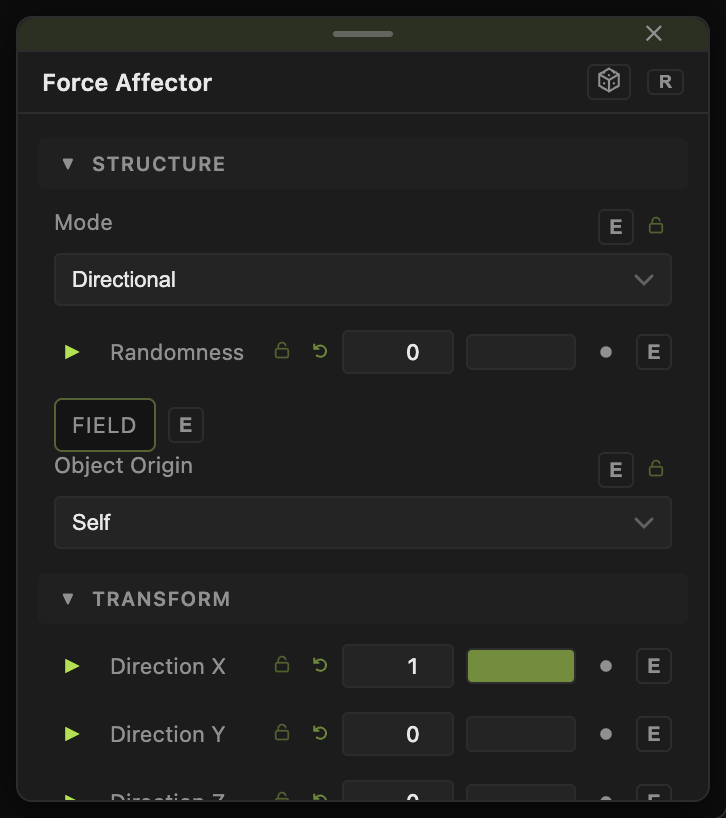
- Mode — Directional (default), Repel, Attract, Vortex, Turbulence, Wind.
- Amount (−40 to 40, default 5), Radius (0.1–50, default 8), Randomness (0–1).
- Direction X / Y / Z (default 1, 0, 0); Gust Spread, Gust Scale, Gust Speed for Wind; Turbulence Scale / Speed; Inward Pull and Lift (Along Axis) for Vortex.
- The standard Position / Rotate / Scale block places the field.
Every slider has a per-parameter animation bar, so it can be animated, audio driven, or MIDI mapped.
Examples
Breeze — Mode Wind, Amount 3, Gust Spread 1.
Troubleshooting
No effect — it must reach the Cloth Deformer's Force Affectors port; nothing else reads it.