3D & SimulationSurface Operators
Light
A point light appended to the chain, with range, ambient, and shadows.
The Light node is a point light. It spawns at the world centre, so move it out of the mesh first.
- Intensity, Range, Ambient, Cast Shadows
- Found in the node graph under Surfaces → Lighting
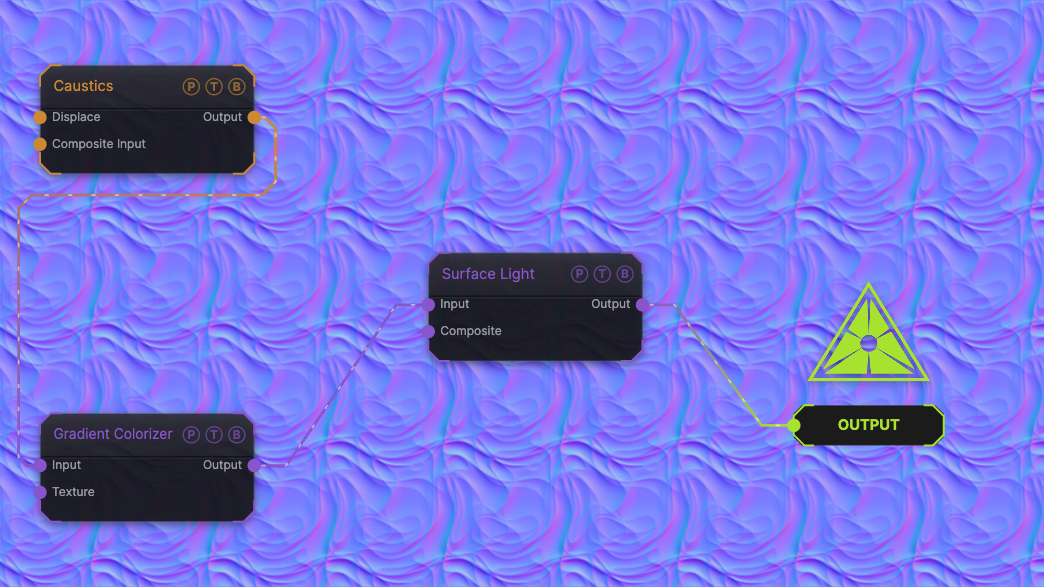
The image on the right is the example patch itself. Drag and drop it onto the app, or load it with File → Load, to open the full graph. A sphere on a plane under a point light.
Inputs and outputs
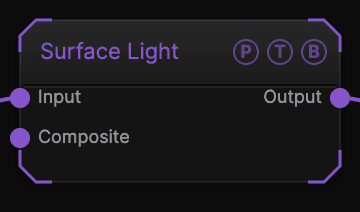
| Port | Type | Purpose |
|---|---|---|
| Surface / Texture | Surface | The chain. |
| Origin Object | Surface | A Null to parent to. |
| Surface | Surface | The chain with the light. |
Parameters
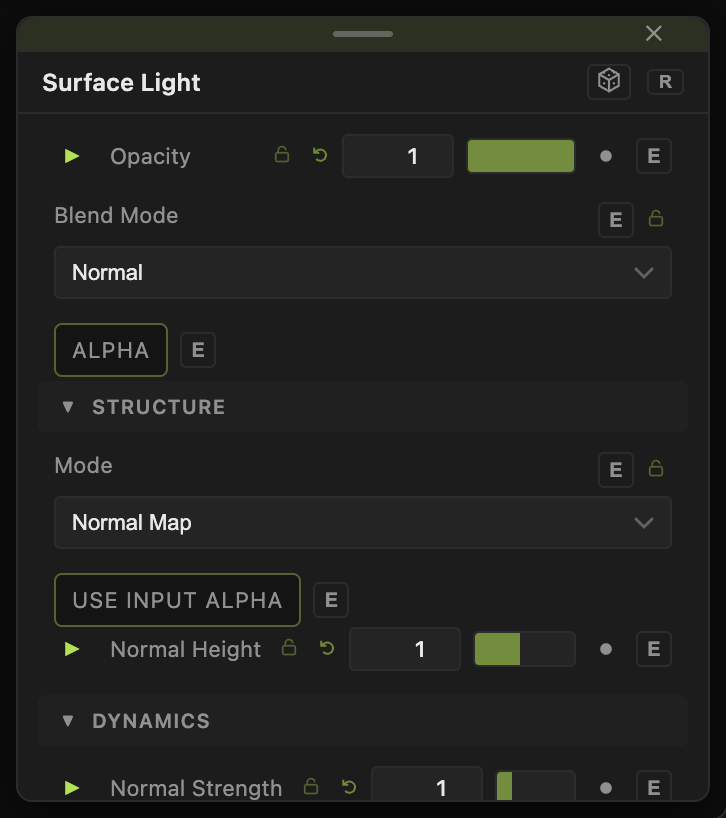
- Position X / Y / Z.
- Color, Intensity (0–20, default 1.2), Range (0 = infinite).
- Ambient (0–2, default 0.25).
- Cast Shadows (default off) with Shadow Quality, Shadow Softness, Shadow Bias, Shadow Normal Bias.
Every slider has a per-parameter animation bar, so it can be animated, audio driven, or MIDI mapped.
Examples
Key — Position Y 3, Position Z 3, Intensity 20.
Troubleshooting
The light seems to do nothing. It starts at the centre, inside the mesh, and lights fall off with distance. Move it out and raise Intensity.