3D & SimulationSurface Operators
Area Light
A rectangular area light with an image gobo that also shows on the visible panel, split diffuse and specular, and projector shadows.
The Area Light node is a soft rectangular source. Wire a texture into Projection Image and the light projects it.
- Width, Height, Brightness
- Diffuse and Specular amounts
- Projection Map Amount, Visible Surface, Projector Shadows
- Found in the node graph under Surfaces → Lighting
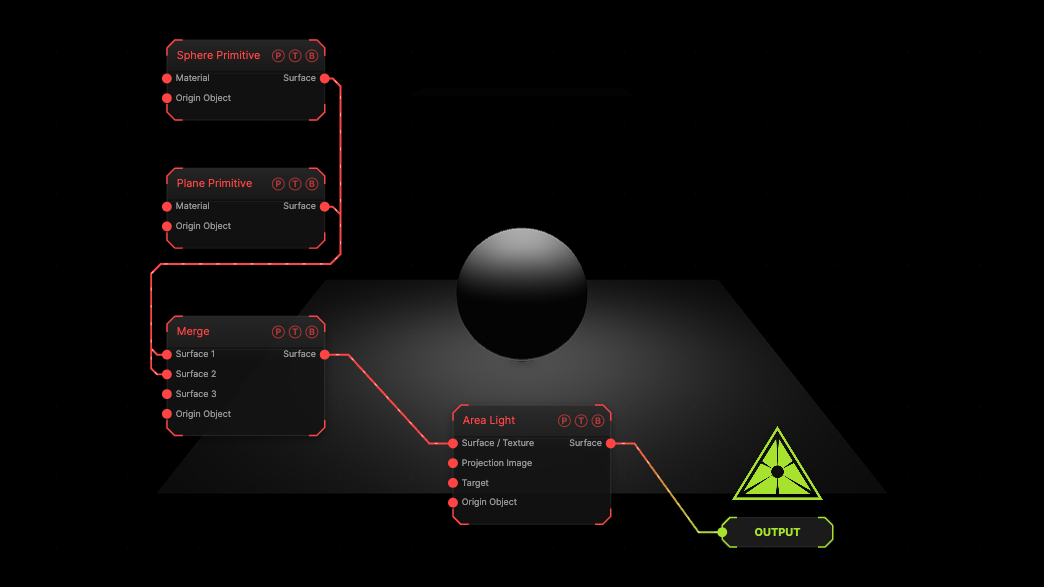
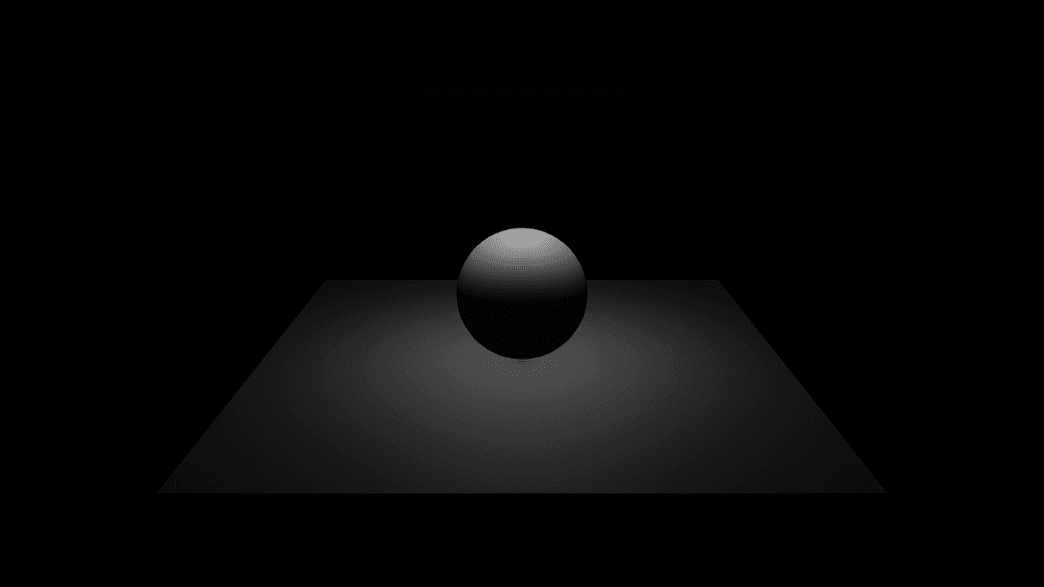
The image on the right is the example patch itself. Drag and drop it onto the app, or load it with File → Load, to open the full graph. A sphere on a plane under an area light.
Inputs and outputs
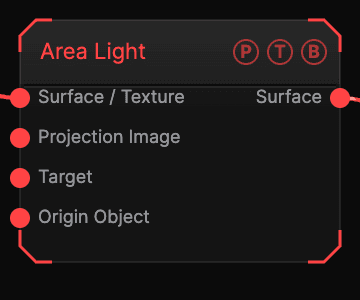
| Port | Type | Purpose |
|---|---|---|
| Surface / Texture | Surface | The chain. |
| Projection Image | Texture | A texture the light projects and shows on its panel. |
| Target | Surface | An object to aim at. |
| Origin Object | Surface | A Null to parent to. |
| Surface | Surface | The chain with the light. |
Parameters
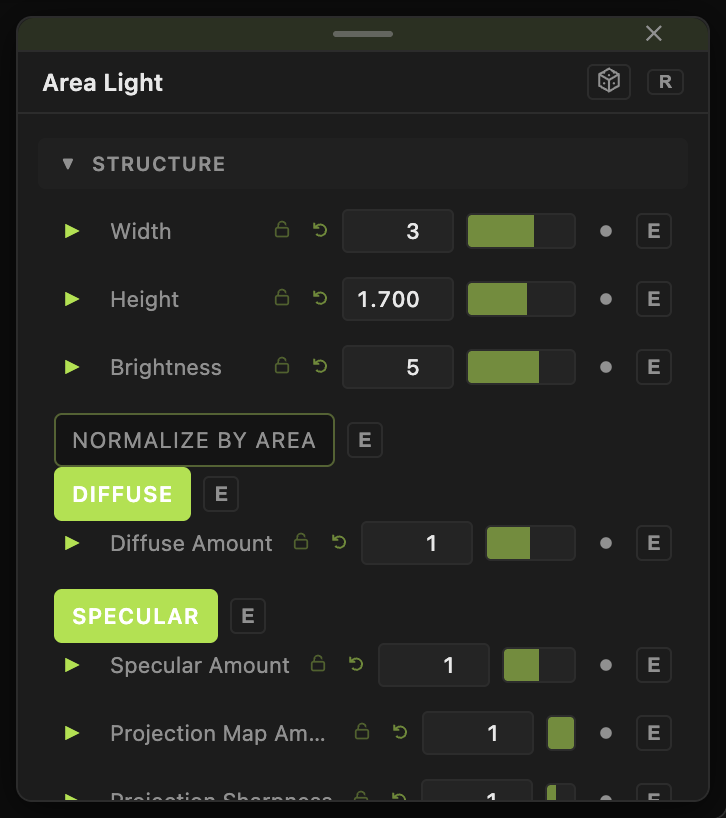
- Width (default 3), Height (default 1.7), Color, Brightness (0.05–50, default 5), Normalize By Area.
- Diffuse and Diffuse Amount, Specular and Specular Amount.
- Projection Map Amount (default 1), Projection Sharpness, Attenuation Distance (0 = Infinite), Double Sided, Visible Surface (default on), Projector Shadows, Ambient.
- Cast Shadows with the shadow quality block.
Every slider has a per-parameter animation bar, so it can be animated, audio driven, or MIDI mapped.
Examples
Softbox — Width 6, Height 4, Brightness 10 above the subject.
Troubleshooting
The panel is visible in the frame — turn off Visible Surface.