3D & SimulationSurface Operators
Glass Material
Physically based transmission with refraction, dispersion, absorption, and clearcoat.
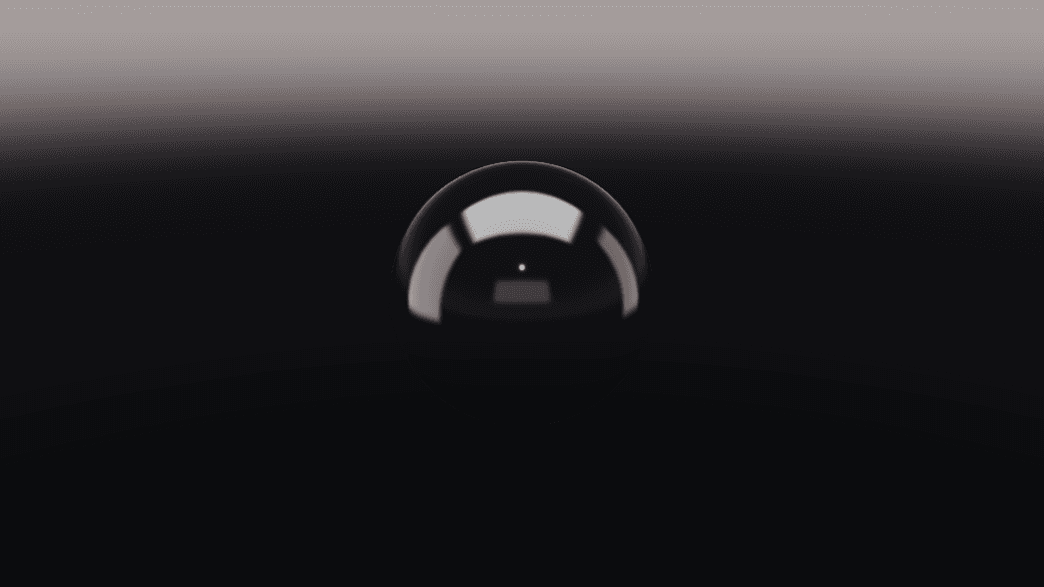
The Glass Material node makes geometry transparent and refractive. It reads correctly without an Environment node because a studio environment is applied when none is wired.
- IOR, Transmission, Frost, Thickness, Aberration
- Attenuation Color / Distance, Clearcoat
- Found in the node graph under Surfaces → Materials
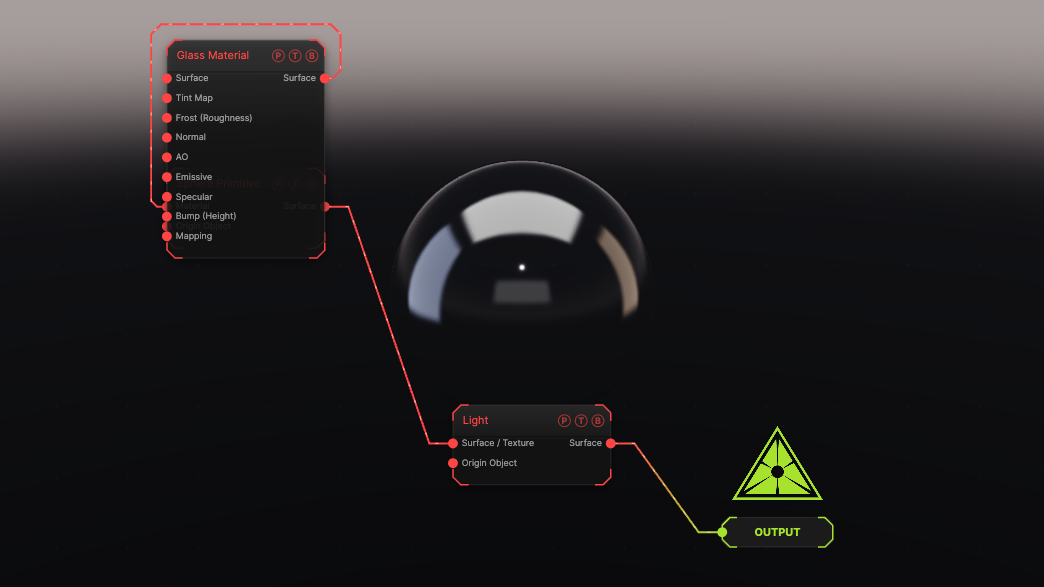
The image on the right is the example patch itself. Drag and drop it onto the app, or load it with File → Load, to open the full graph. Glass on a sphere.
Inputs and outputs
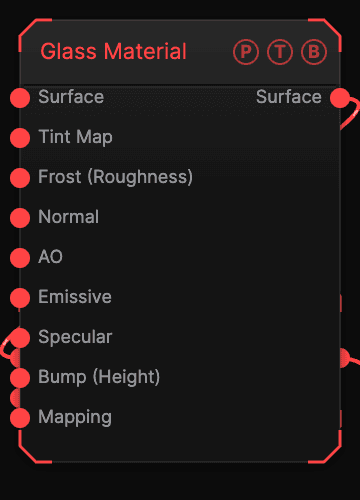
| Port | Type | Purpose |
|---|---|---|
| Surface | Surface | Geometry flowing through. |
| Surface | Surface | Glass geometry. |
Parameters
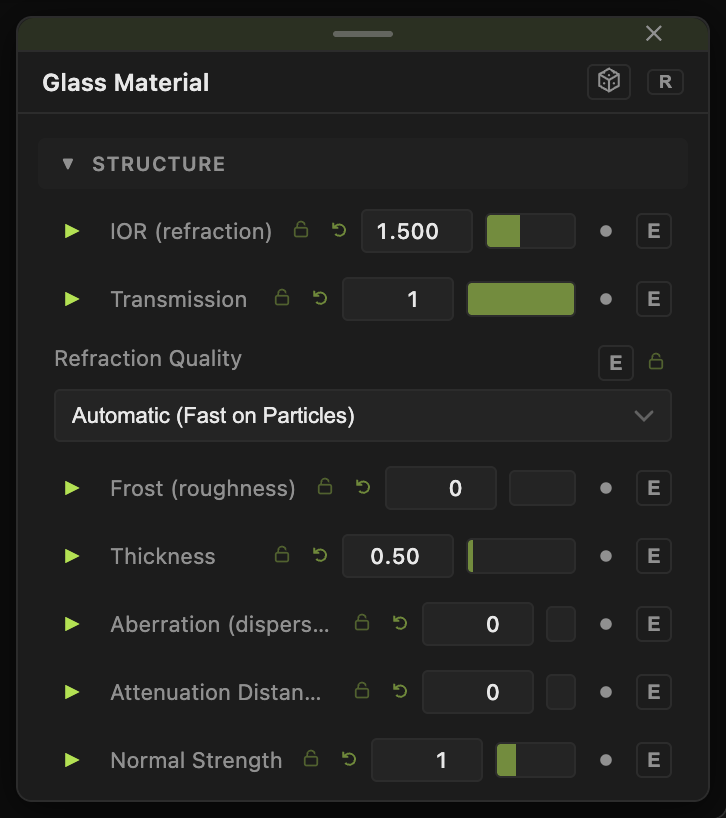
- Tint (default white), IOR (refraction) (1–2.333, default 1.5), Transmission (default 1).
- Refraction Quality — Automatic (default), Full Refraction, Fast Approximation.
- Frost (roughness) (default 0), Thickness (default 0.5), Aberration (dispersion) (0–10, default 0).
- Attenuation Color, Attenuation Distance (0 = clear).
- Clearcoat, Clearcoat Roughness, Specular, Normal Strength, Bump Strength, AO Strength.
- Emissive, Emissive Intensity, Illuminate Scene (GI), GI Reach, Sides (Front default).
Every slider has a per-parameter animation bar, so it can be animated, audio driven, or MIDI mapped.
Examples
Prism — Aberration 4, IOR 1.8 on a Tetrahedron.
Troubleshooting
Glass looks like grey plastic — the render engine on the Output node is off. Turn Renderer on.